
Field Report: One Year with Futaba's 2.4-GHz System-FASST
The buzz surrounding 2.4-GHz transmission systems has died down a bit. I figured it was time to share the insights I’ve gained. I’m neither an electronics engineer nor a physicist. This report is based on real-world experience and reflects my personal experiences and impressions.
My first four-channel RC system, many years ago, was a Multiplex Europasprint. Before that, I owned a two-channel transmitter from Graupner. Today, I use the Europasprint for my flight simulator. In 1996, I bought a Multiplex 3010. I had that transmitter for almost ten years. During that time, I had to replace the stick assembly—
I had the tur replaced; it was “worn out.” Otherwise, the transmitter worked well. The receivers I used were from Multiplex at first. Later, I switched to Graupner and Hitec. Finally, I flew with Berger receivers (Sexta + Octava). Over the years, my expectations grew, and I began to desire more “reliability.” My 3010 was by then about 10 years old, and it was time for something new. I bought the T14
MZ from Futaba (35 MHz). For the smaller models, I continued to use the PPM-FM Berger receivers, while for the larger models and the helicopter, I used the FP-R149DP PCM receiver (35 MHz). I flew the T14MZ with the 35-MHz module for a good three years and was very satisfied with it.
In early 2008, I purchased the 2.4-GHz module for my Futaba T14MZ transmitter and an R6014FS receiver. After a two-week test phase in an EPP model, I equipped all my models with 2.4-GHz receivers. The primary reason for the upgrade was to eliminate the risk of interference caused by channel overlap. In recent years, RC operation on the 40 MHz/35 MHz bands has increased significantly and has become very difficult to control.
In this regard, the 2.4-GHz system is a blessing. After a good year of using 2.4 GHz, I have nothing but positive things to say. I fly various electric-powered models (F3A model, 2.6-meter Extra 300L, Clic indoor model, T-Rex 600 helicopter, F3B glider, ...). I believe that Futaba’s 2.4-GHz system is at least on par with the 35-MHz PCM 1024/2048 in terms of transmission reliability, with the added advantage that the issue of channel overlap has been resolved.
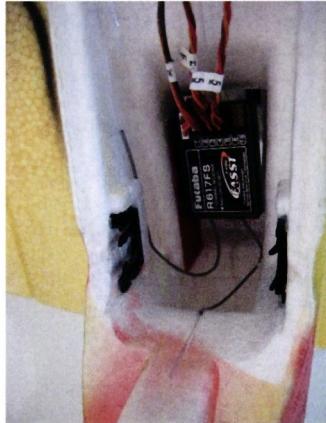
The 2.4-GHz receivers I have installed are the 6014FS, R608FS, R617FS, and—for my indoor model—the R6004FF, which weighs 3.3 grams. With the exception of the R6004FF, all of them have two antennas that are approximately 13 cm long. The possible installation methods are described in the operating instructions. Careful installation
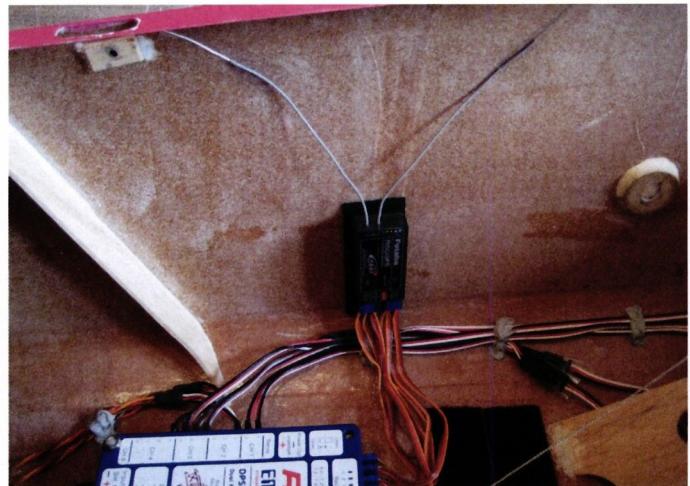
The placement and alignment of the two antennas play a key role in ensuring reliable transmission. Here are a few examples and possible solutions:
In my experience, the servos installed are the primary factor in achieving direct, precise, and—above all—fast rudder control. It makes no noticeable difference whether PPM-FM, PCM, or 2.4 GHz is used. I could not detect any differences between the 1024-frequency-channel grid (e.g., FP-R149 receiver, R617FS) and the 2,048-channel frequency grid (e.g., R5114DPS G3, R6014FS), I could not detect any differences. I think it’s more a matter of personal preference. The difference is most noticeable between PPM-FM and
PCM 1024/1048, but not between PCM 1024/1048 and 2.4 GHz.
According to the information sheet, Futaba 2.4-GHz receivers are sensitive to ambient temperatures above 50 °C. I think that in our part of the world, as long as you don’t leave the model with the built-in receiver in a car or in direct sunlight during the summer, you have nothing to worry about. In addition, excessive ambient temperatures should also be avoided with the 35 MHz/40 MHz receivers. This should be kept in mind both during installation and operation.
In addition, the low servo output pulses of 2.7 V on the F6014FS receiver
This is an issue. Both certain servos and battery switches have problems with this lower output voltage. To keep the problem under control, it’s important to connect only one servo per channel/servo output on the receiver—in other words, avoid “parallel connections.” Second, a stabilized receiver power supply is important. For years, I’ve been using “voltage regulators” (LiPo controllers) powered by a 2S 8.4-volt LiPo battery. The stabilized output voltage can often be set between 5.5 V and 6 V. If you’re not comfortable using a LiPo battery for the receiver’s power supply, you can also use a 5-cell NiMH battery. I use a variety of servos and battery switches and haven’t encountered any issues so far.
“Noise Suppression” for Servo Cables
One more thing about “noise suppression” for servo cables using ferrite rings. I used to use them on long servo cables. For several years now, I’ve done without them. I haven’t noticed any negative effects. On the other hand, I’ve had good results with Futaba
noise filters (Fut-1413). Especially in larger electric models, the powertrain can cause interference. A Futaba noise filter inserted between the ESC and the receiver counteracts this. Otherwise, I haven’t used any filters so far—sometimes less is more.
Personally, I highly recommend switching to 2.4 GHz. When making the switch, it makes a lot of sense not to just convert some of the models. On the one hand, completely retrofitting multiple models in the hangar can be quite costly; on the other hand, when using two operating systems, there’s a very high risk that, out of habit, you’ll forget to extend—or even install—the whip antenna at the airfield when operating at 35 MHz or 40 MHz. This would negate all the “safety benefits” of the 2.4 GHz band. Furthermore, in my opinion, the modules were not designed for constant plugging in and unplugging.
With that in mind, I wish everyone safe and interference-free flights.
Michel Hauser
www.michel-hauser.ch


News from HEBU
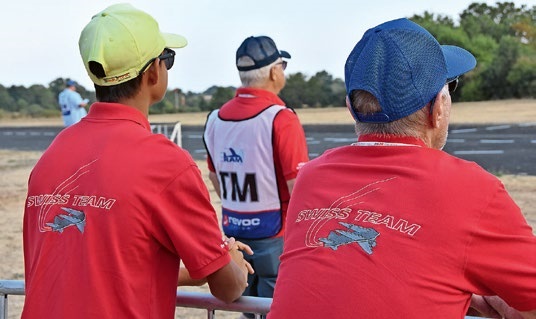
TEAM MANAGER "THIS" BOSSHARD
 Rodito Nussbaumer

YOU KNOW WHAT I MEAN? 125 YEARS OF THE SWISS AERO CLUB
 Emil Giezendanner
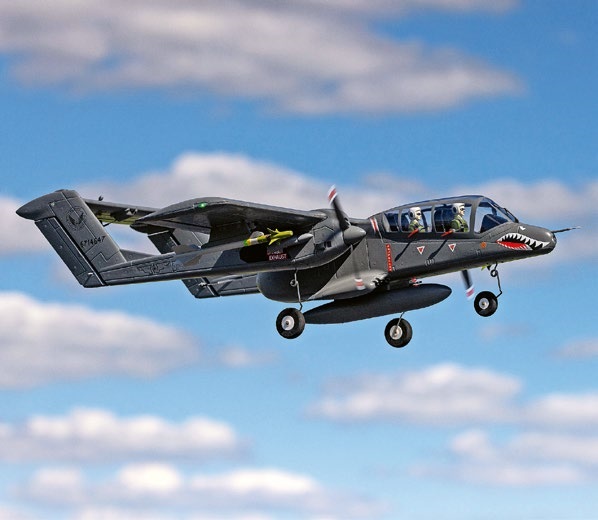
HORIZON HOBBY/LEMACO NEWS: MICRO OV-10 BRONCO 645 MM BY E-FLITE
PRIDE AND GOOD IDEAS
 Markus Nussbaumer

34th HAHNENMOOS ALPINE MODEL AIRPLANE CAMP
Res Dauwalder
TRY-OUT DAY AT MFV WETTINGEN
Urs Keller
F3A EUROPEAN CHAMPIONSHIPS IN ST-MACAIRE, FRANCE
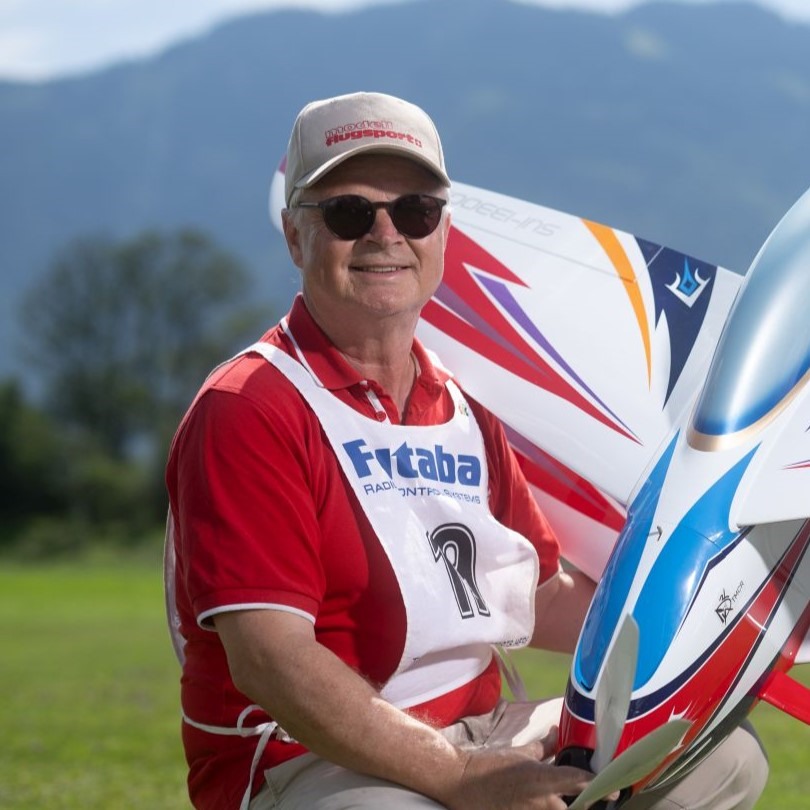 Matthias Bosshard
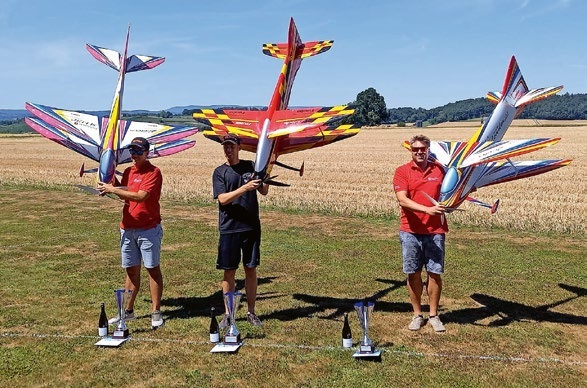
52. 2026 ALPS CUP
Emil Giezendanner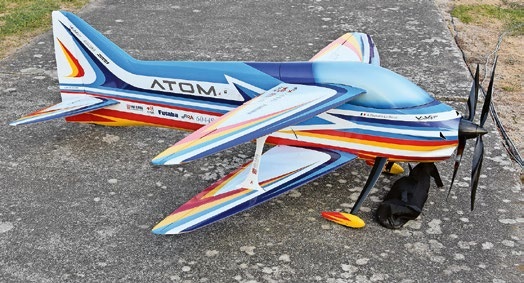
ATOM, THE NEW DOUBLE-DECKER FROM CPLR
Matthias Bosshard
SUMMER FUN 2026 AT MG USTER
Martin Wunderli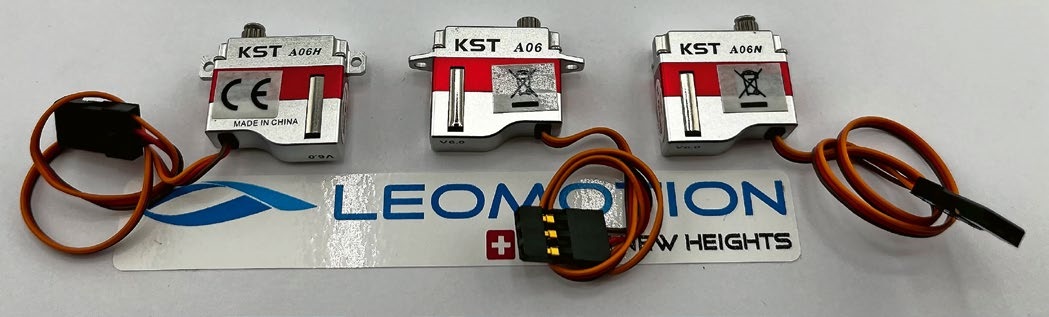
What's New at Leomotion.com
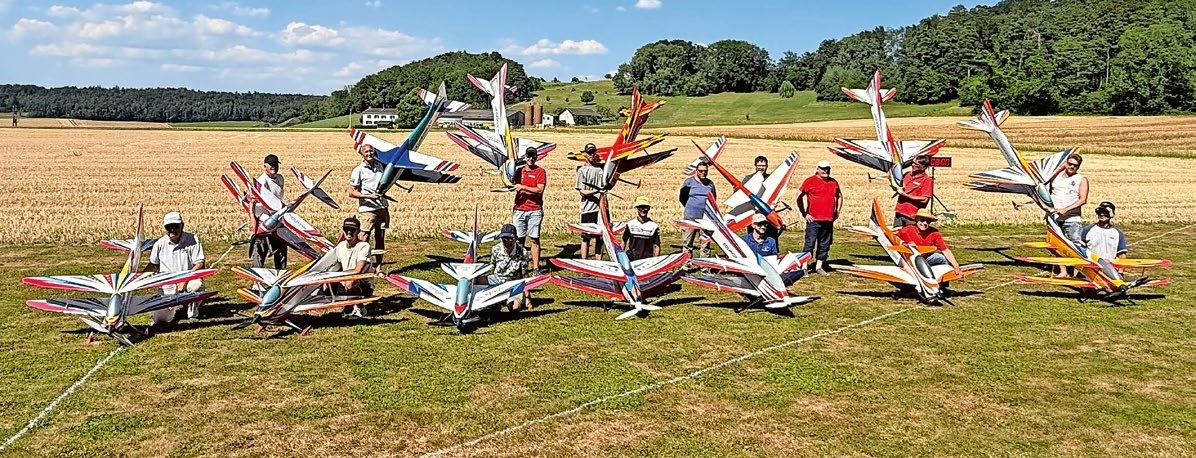
COUPE DES ALPES – OBSERVE AND LEARN
Rodito Nussbaumer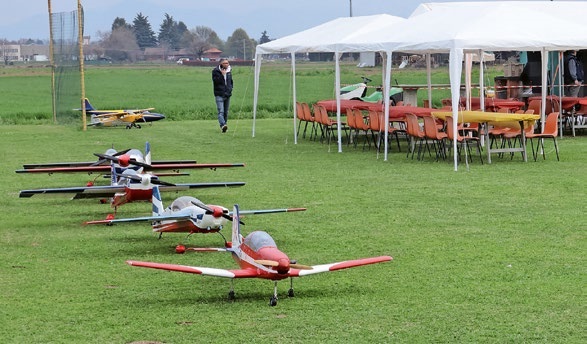
TWIN TOWN PARTNERSHIP
Wolfgang Voeller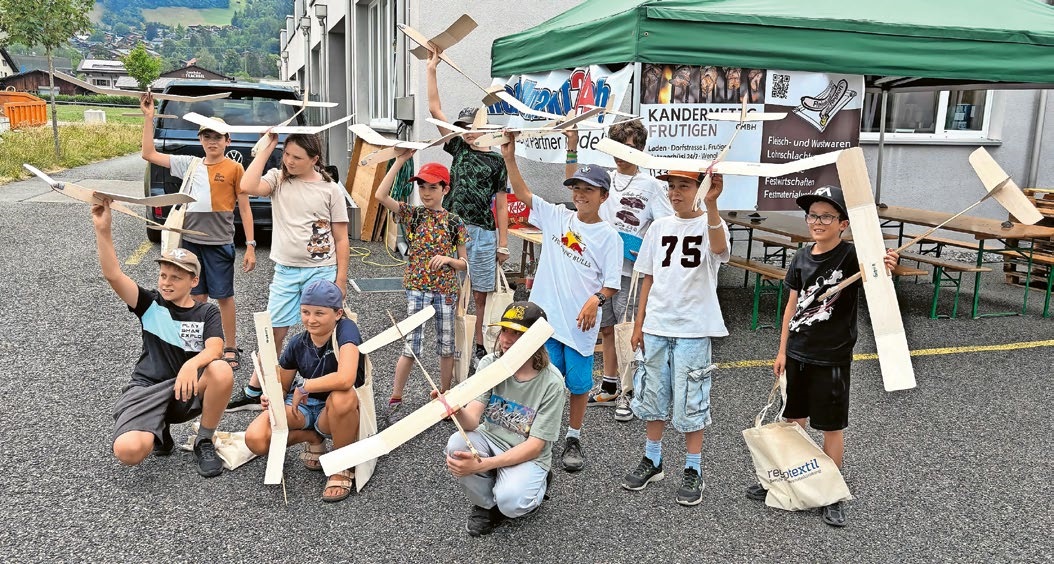
BY YOUTH, FOR YOUTH
Lorena Betschen
CORSAIR F4U – A WARBIRD WITH A MEMORABLE LOOK
Jürgen Rosenberger, Jürgen Prinz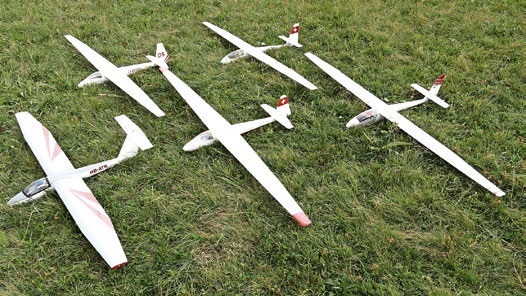
SMALL, MODEL-LIKE SAILBOATS
Res Dauwalder
WELCOME, NEW MEMBER!
Andrea Bolliger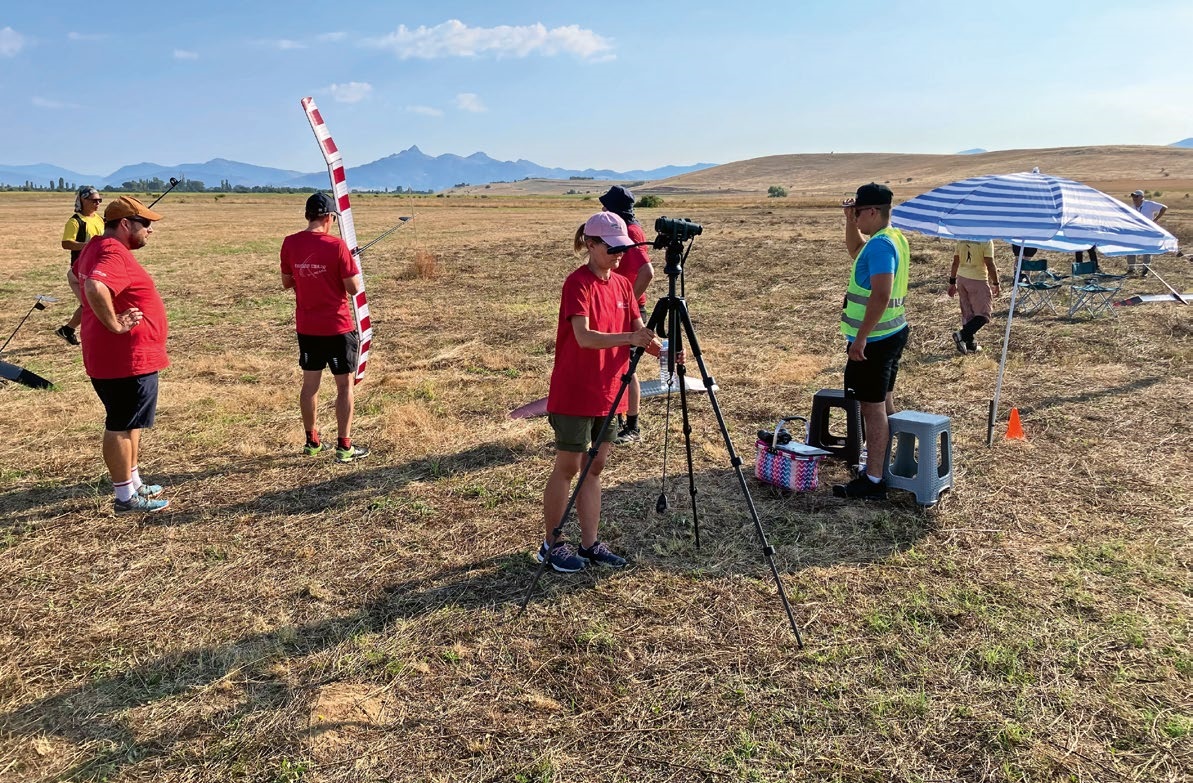
FREE FLIGHT IN THE MIDDLE OF SUMMER
Urs Muntwyler
EURO CONTEST GLIDER ACRO TOUR AUSTRIA 2026
INSIGHTS INTO THE HISTORY OF SEAPLANES
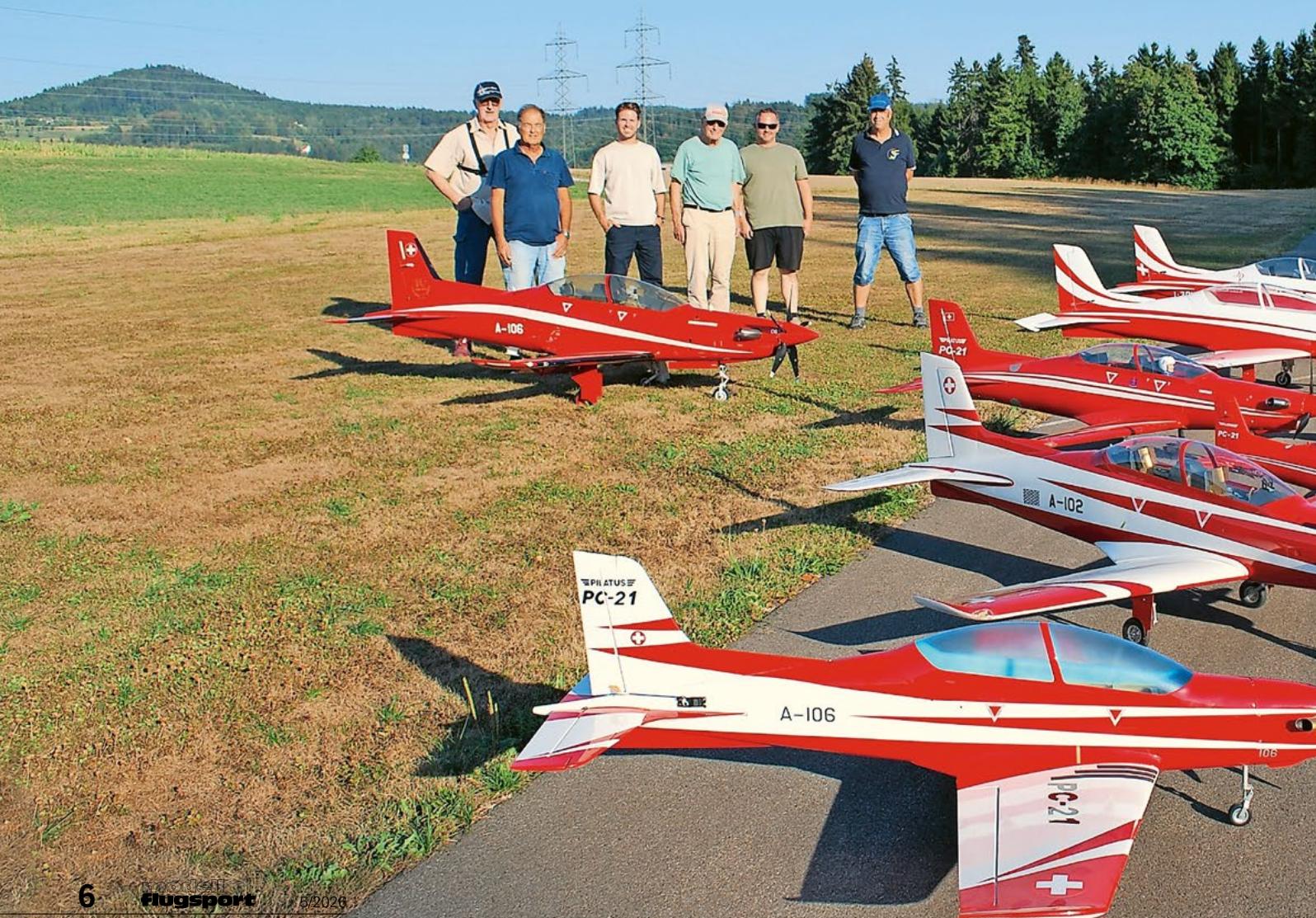
THE PC-21 STORY
Emil Giezendanner
NEWS FROM HEBU
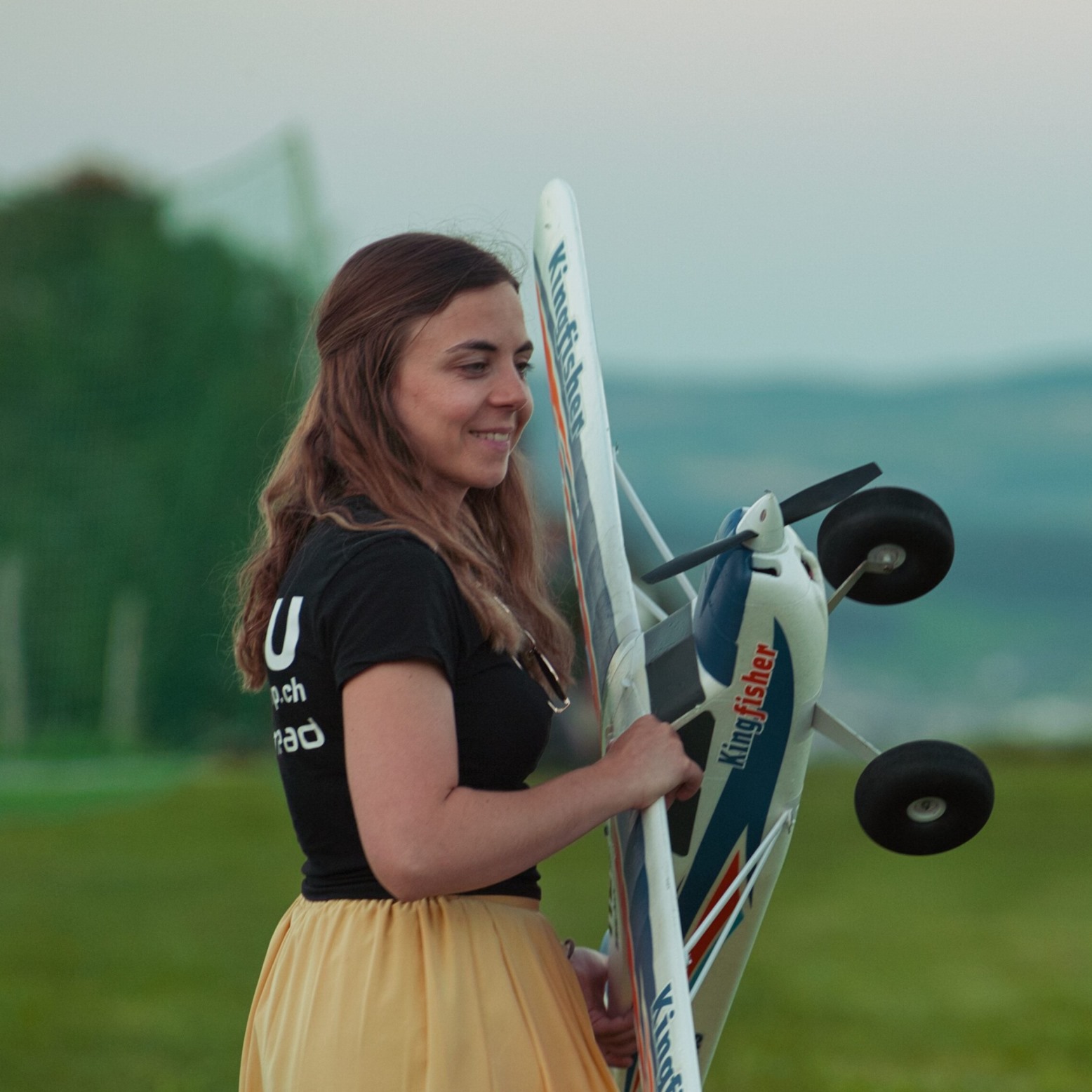 Julia Bucher
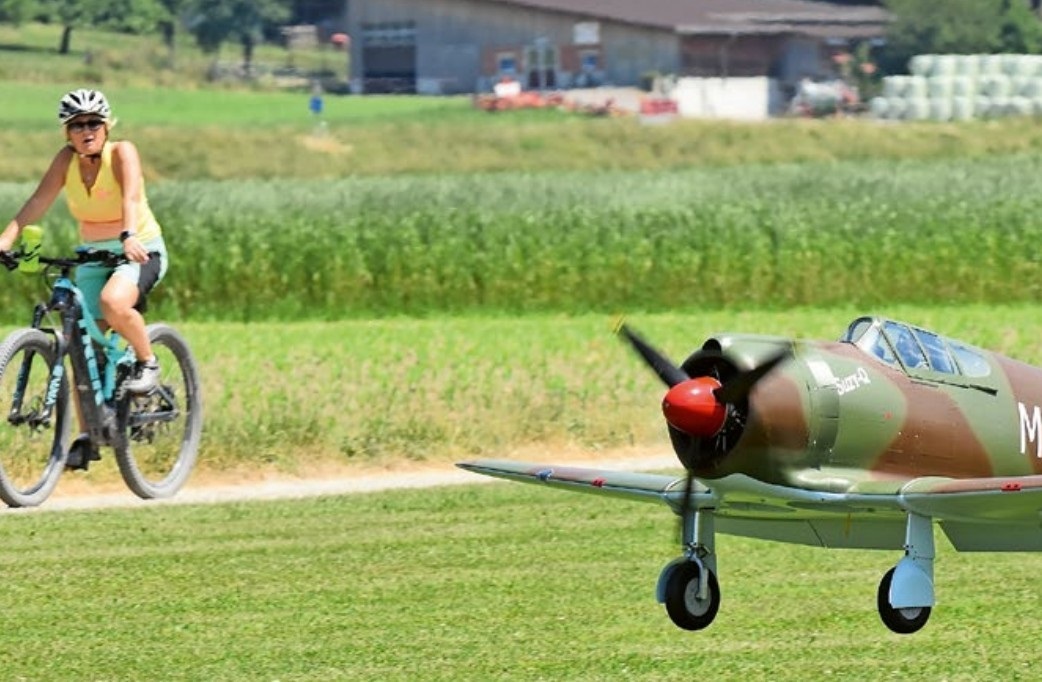
FROM 0 TO 100
Markus Nussbaumer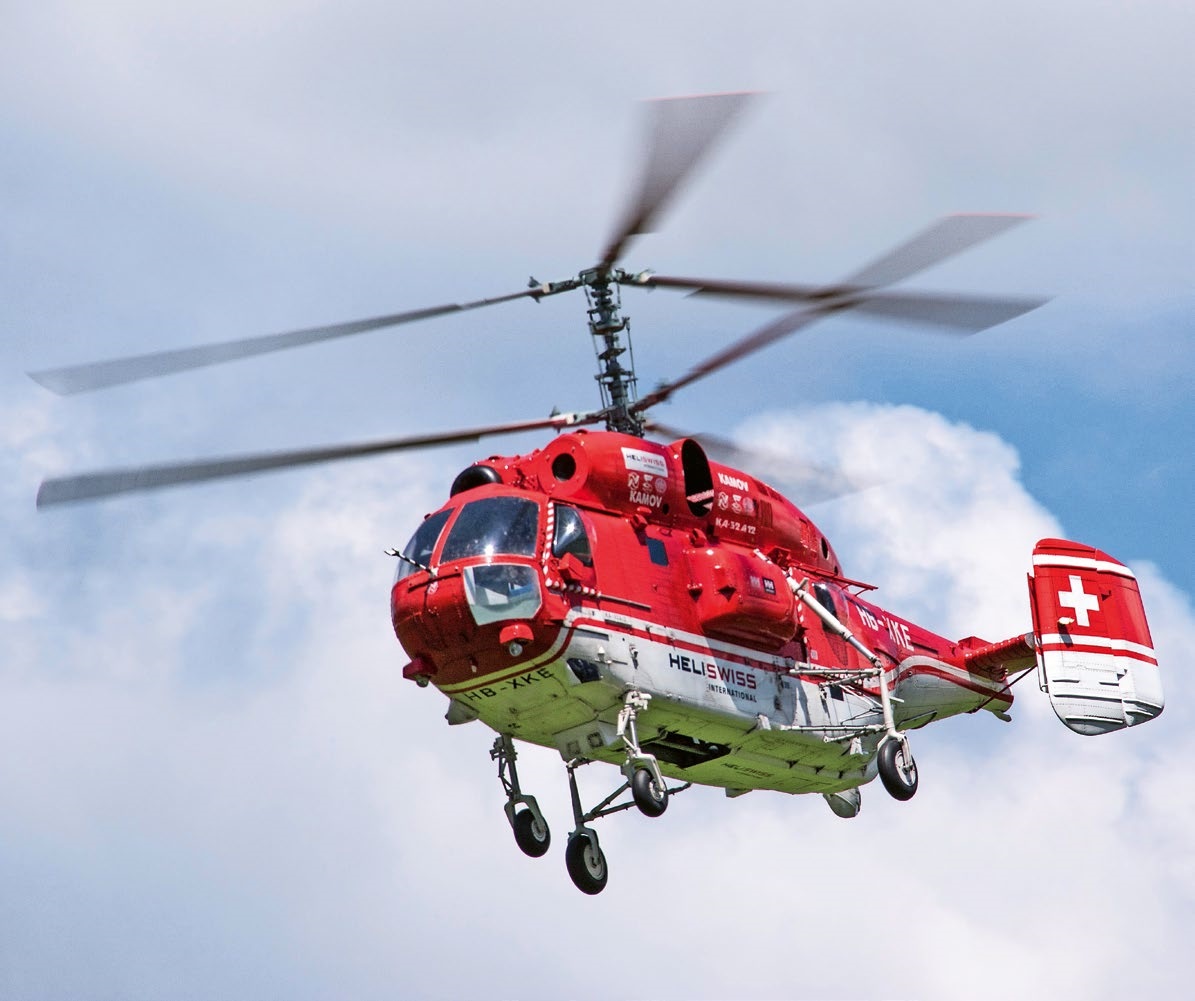
MEMORIES
Wolfgang Völler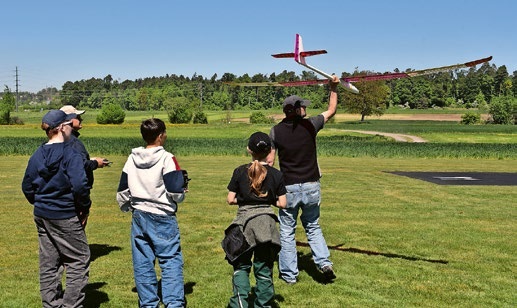
NOS REGION – A HUB FOR ELECTRIC AVIATION
Emil Giezendanner
DO YOU KNOW WHAT I MEAN IN THE LAND OF SMILES?
Emil Giezendanner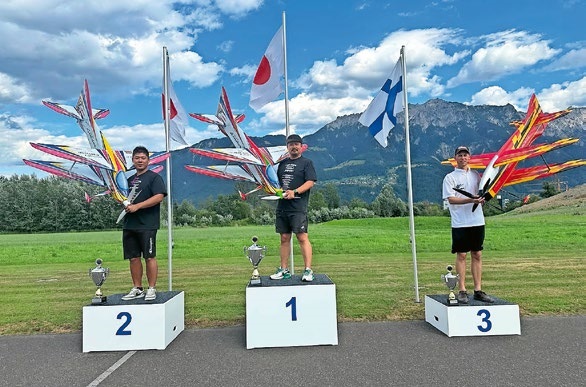
A SPECTACULAR F3A WORLD CUP IN THE PRINCIPALITY OF LIECHTENSTEIN
Emil Giezendanner