
Innovator MD 530 User Review
As mentioned in the report on Innovator Day 2009, Stefan Raiser from SpeedModels kept his word and provided me with an Innovator MD 530 for testing. So on November 23, 2009, I was able to pick up a complete set in Rupperswil. We took the opportunity to install the software on my PC and to go over some initial explanations and important tips.
The MD 530 is the entry-level model, while the Expert is the version for advanced pilots, 3D pilots, and discerning model aircraft enthusiasts. We ran into a snag during the software installation that held us up for a while. The pre-configured installation from the CD using “Autostart” didn’t go smoothly, even after repeating the process several times; only installing directly from the CD in the “FsCommand” folder under “Setup” was successful. In general, I had trouble with the program CD; I couldn’t play the included videos, and Firefox had an issue that I didn’t investigate further. My brief attempts with the built-in simulator also didn’t reveal anything particularly noteworthy, and I didn’t have enough time to explore it further. Afterward, Peter Beer explained the 10 existing setups to me, which can be downloaded from the website. All of them have been tested and flown. He handed me a hard copy of the setup descriptions and shared additional tips based on his experience. My test kit included an extra battery, two sets of foam blades, one set of wooden blades, and one set of carbon blades. To be honest, after that eventful afternoon, it occurred to me that it wouldn’t be easy to conduct tests at this time of year. So I limited myself mainly to the product and its settings. Anyone who enjoys flying and working with a PC and software without having to build anything will find this truly innovative approach to 450-class model helicopters well worth it. The model comes with a setup tailored to the pilot’s needs; just read through the description or instruction manual, and you’re good to go! That’s exactly how it worked—using the “Setup 06_MD530_Schaumblätter_outdoor.csv” file, I started my first hover flights in the gym.
- High-Performance Super Combo R/C Helicopter
- The Safest System
- Next-Generation Fun
- Collective Pitch Control System
- “3-in-1” servo electronics
- Key Features of the Intelligent Control System (ICS)
- Automatic Shutdown
- Innovator’s proprietary 2.4-GHz iHSS system
- Innovator Software and Flight Simulator
- Easy Operation
- Alarm analysis
- Customizable configuration
- Reading and analyzing the flight data recorder
- and much more
The MD 530 offers three setups for this purpose before a minor modification is required. I initially had some trouble with the handheld transmitter and didn’t want to purchase the control panel available from Hobby-Shop Ritter (MSRP CHF 89.–) just yet for this test series. The model “hovered” flawlessly; no course corrections were necessary, and the excellent gyro effect was immediately noticeable. Only in the pitch function did it exhibit some strange “bobbing,” though this could have been due to my unfamiliarity with the controls of the attached remote. Later, I made do with a control panel for the FC 28 that I still had on hand. It’s important to adhere to the settings specified in the provided setups. This applies especially to the rotor speed. Personally, I find that the beginner setups lack a “Motor Off” function, which can prevent serious damage in case of uncertainty. Starting with “Setup 08_MD530_Wood_outdoor.csv,” this function is programmed, so I created my own beginner setups, simply by additionally activating the “Motor Off” function. My “Setup 06_MD530_Foam_Blades_outdoor_Hew.csv” resulted in the following settings (measured):
| RPM 1 | Pitch Min. |
| Function 0 | +2 degrees |
| Function 1 | +4 degrees |
| Pitch Mid | Pitch Max. |
| +7 degrees | +12 degrees |
| +7 degrees | >12 degrees |
| RPM | |
| 1,700 rpm | |
| 1,800 rpm |
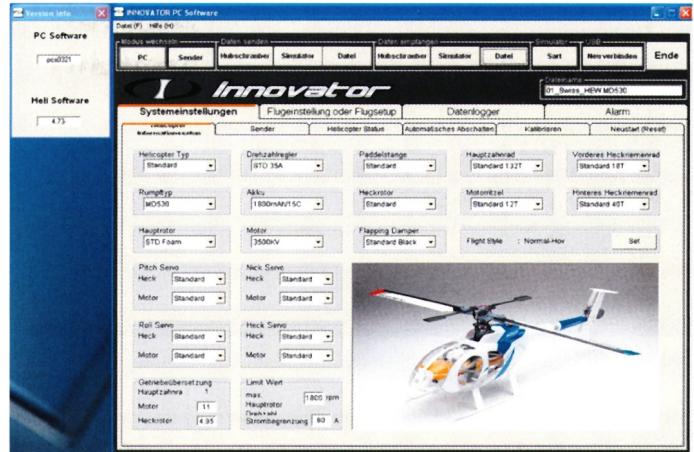
What makes the Innovator unique is that it is programmed via a PC, since the transmitter has no “intelligence” other than its control, switch, and trim functions. The rest is handled by the PC and the “3-in-1” servo electronics of the Intelligent Control System (ICS). The following menus are available for this purpose:
Helicopter Information Setup:
- Displays all basic data for the model
- Additional Menus:
- Transmitter
- Helicopter Status
- Automatic Shutdown
- Calibrate
- Restart
The calibration feature is particularly interesting here; it can be performed regularly (e.g., after 20 flights) and is definitely recommended when replacing a component. During calibration, all deflections are accurately recorded—from the tail to the swashplate function—and it’s truly fascinating to watch this process unfold!
An interesting feature of the software is the data logger, which displays all of the Innovator’s operating values at a glance. By “checking” the individual “boxes,” you can display the specific values you’re looking for one by one. What I find missing here is a description of how to interpret the timeline, for example. This can only be adjusted by clicking the arrows at the bottom left or right. My version didn’t accept direct numerical input. This feature is intended only for truly interested model pilots and might even be considered “nitpicky,” but it provides a good overview of the operation. Another important point I’d like to mention here is the batteries and the charger. Here, too, you get pre-assembled components—no soldering or similar work is required: just buy, charge, and use.
Adjusting charge currents, monitoring the charge, etc., are not an issue. When it comes to handling Li-Po batteries, it’s advisable to follow the general guidelines. One potential drawback is that it requires a 12-V battery or a compatible charger for AC operation with a 12-V output. Both are readily available to model aircraft enthusiasts today or can be purchased inexpensively at specialty stores.
The only issue was with the aileron function, which exhibited some strange “wobbles”—though these might have been due to my unfamiliarity with controlling the model using the attached remote control. Later, I made do with a control panel for the FC 28 that I still had on hand. It’s important to follow the settings specified in the included setup files. This applies especially to the rotor speed. Personally, I miss the “Motor Off” function in the beginner setups, which can prevent serious damage if you’re unsure of what you’re doing. Starting with “Setup 08_MD530_Wood_outdoor.csv,” this function is programmed in, so I created my own beginner setups, simply by additionally activating the “Motor Off” function. My “Setup 06_MD530_Foam_Blades_outdoor_Hew.csv” resulted in the following settings (measured):
| RPM 1 | Pitch Min. |
| Function 0 | +2 degrees |
| Function 1 | +4 degrees |
| Pitch Mid | Pitch Max. |
| +7 degrees | +12 degrees |
| +7 degrees | >12 degrees |
| RPM | |
| 1,700 rpm | |
| 1,800 rpm |
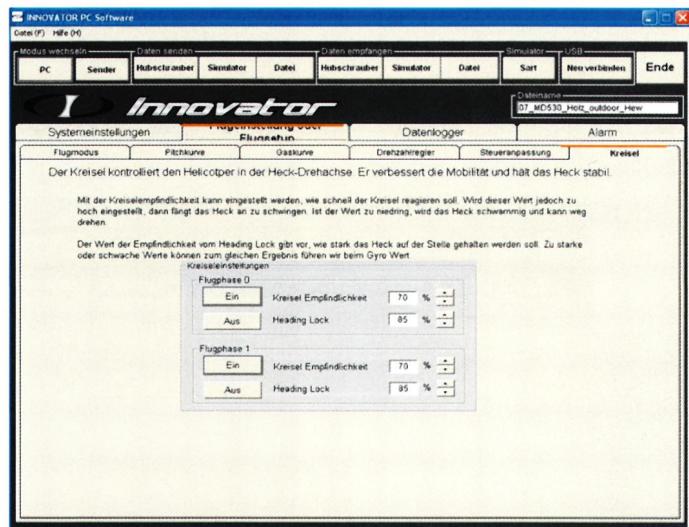
The season allowed me to make a few flights indoors in the hangar or garage (not ideal!) and one outdoors when the weather was good. For that, I used the “Setup 07_MD530_Holz_outdoor_Hew.csv” file and reduced the rotor speed. This is because I personally tend to be cautious at high speeds. This resulted in the following settings for me:
| RPM 1 | Pitch Min. |
| Function 0 | +0 degrees |
| Function 1 | +0 degrees |
| Pitch Mid | Pitch Max. |
| +6 degrees | +12 degrees |
| +6 degrees | >12 degrees |
| RPM | |
| 2,100 rpm | |
| 2,500 rpm |
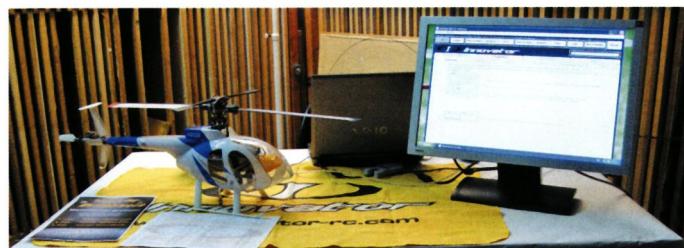
This made the MD 530 a pleasure to fly; I felt confident enough to attempt sightseeing flights and turns right away, though I didn’t push it any further than those two flights outdoors without wind. To that end, I’d first like to convert it using the TT-PV1035 linkage, which will then allow me to use the carbon blades. In conclusion, I’d like to note that the Innovator heralds a new era in model helicopter technology. The price and performance are right—especially when you consider everything you get, including the software, which is available for around 70 Swiss francs—but that seems like a “must-have” to me. A PC is available practically everywhere these days; otherwise, a specialist retailer can quickly set one up for you, which also provides regular contact as you get started in this hobby.
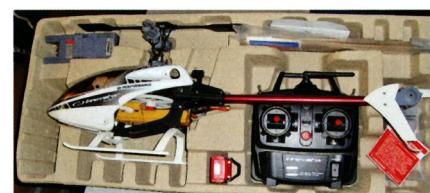
This is how the Innovator Expert is shipped.
Setups and information can be found at:
http://www.innovator-rc.ch/download/download.html
I’ve learned that SpeedModels has since launched a new website. Things are constantly evolving—new features, modifications, and updates are on the way and can be found online or learned about through specialty retailers. Have fun flying the Innovator!
Walter Heller,
MFV Rapperswil-Jona
EURO CONTEST GLIDER ACRO TOUR AUSTRIA 2026
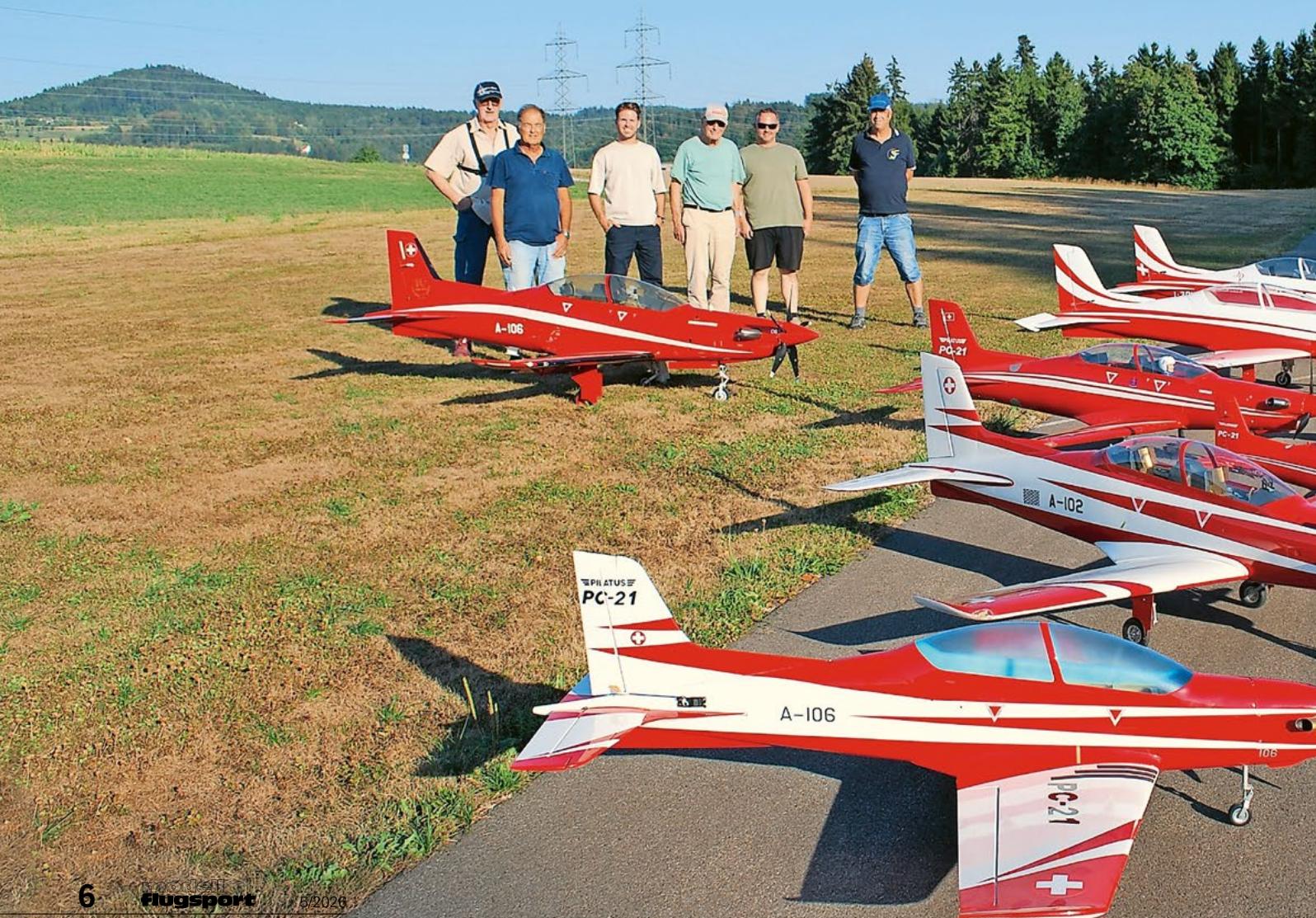
THE PC-21 STORY
 Emil Giezendanner
TWIN TOWN PARTNERSHIP
 Wolfgang Voeller

SUMMER FUN 2026 AT MG USTER
Martin Wunderli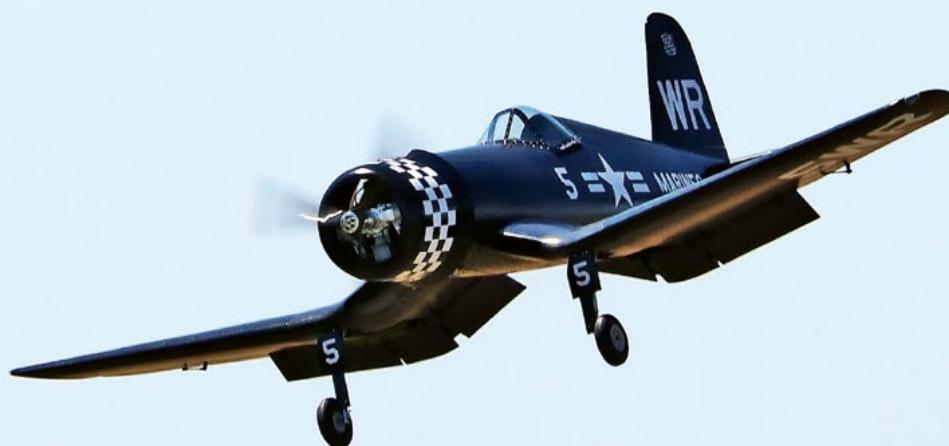
CORSAIR F4U – A WARBIRD WITH A MEMORABLE LOOK
Jürgen Rosenberger, Jürgen Prinz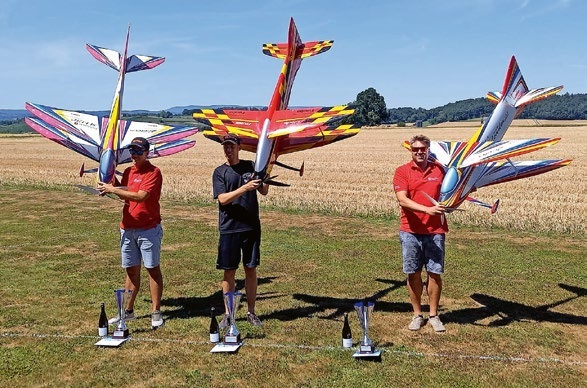
52. 2026 ALPS CUP
Emil Giezendanner
YOU KNOW WHAT I MEAN? 125 YEARS OF THE SWISS AERO CLUB
Emil Giezendanner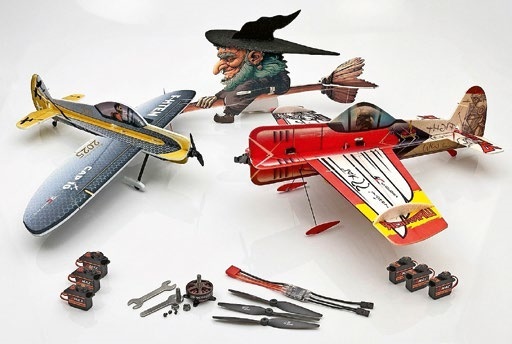
News from HEBU
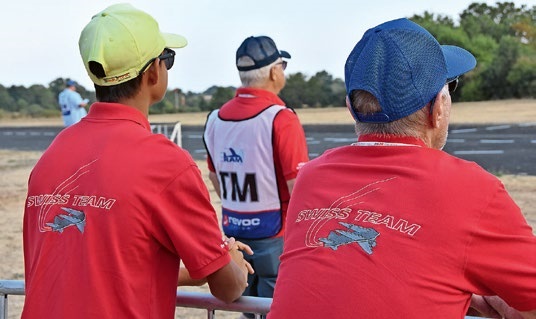
TEAM MANAGER "THIS" BOSSHARD
Rodito Nussbaumer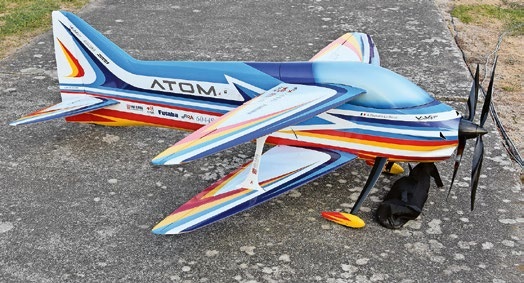
ATOM, THE NEW DOUBLE-DECKER FROM CPLR
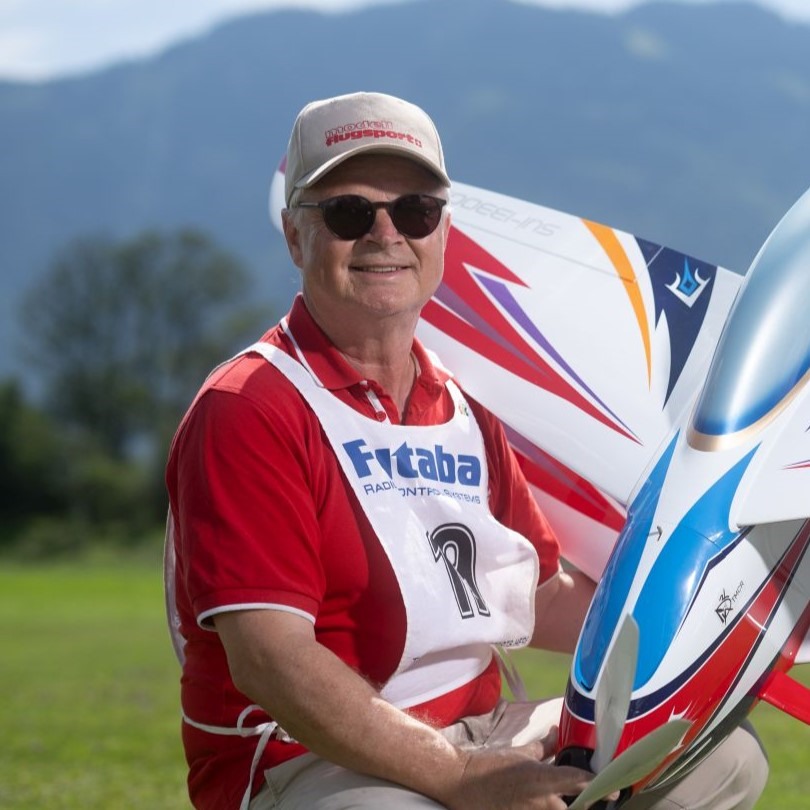 Matthias Bosshard
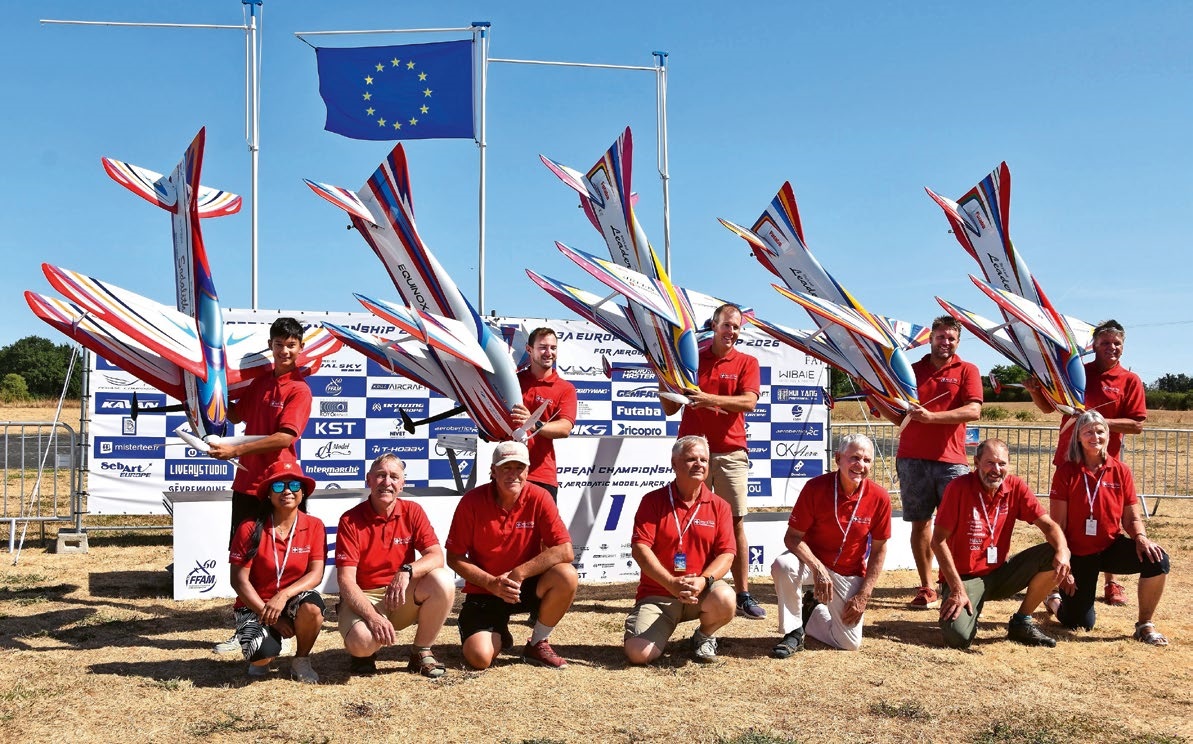
F3A EUROPEAN CHAMPIONSHIPS IN ST-MACAIRE, FRANCE
Matthias Bosshard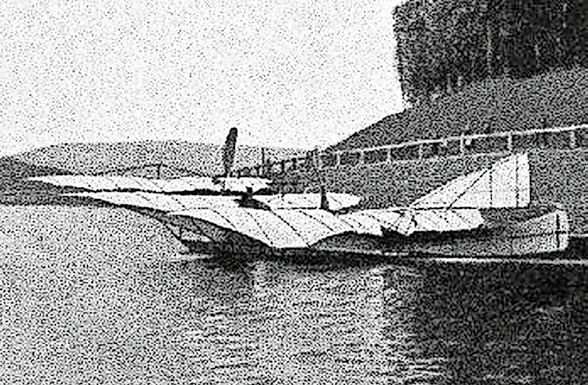
INSIGHTS INTO THE HISTORY OF SEAPLANES
WELCOME, NEW MEMBER!
Andrea Bolliger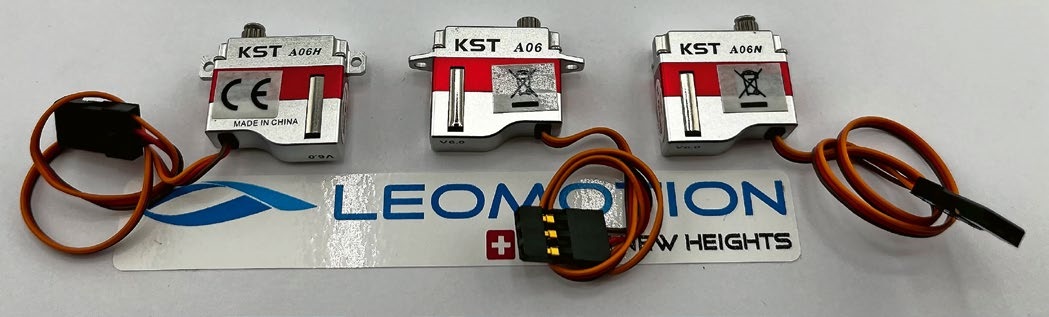
What's New at Leomotion.com

PRIDE AND GOOD IDEAS
 Markus Nussbaumer
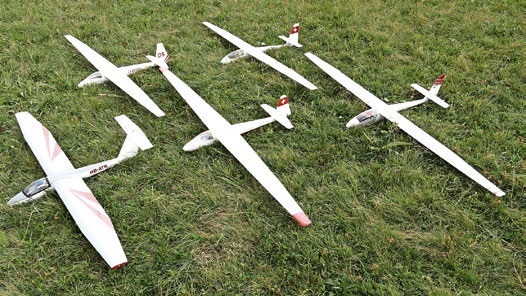
SMALL, MODEL-LIKE SAILBOATS
Res Dauwalder
FREE FLIGHT IN THE MIDDLE OF SUMMER
Urs Muntwyler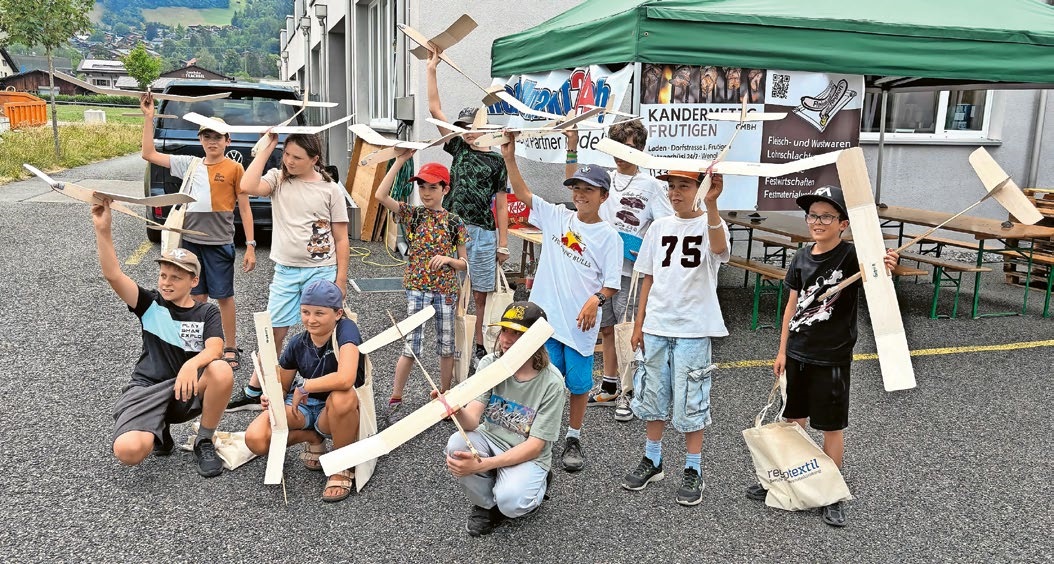
BY YOUTH, FOR YOUTH
Lorena Betschen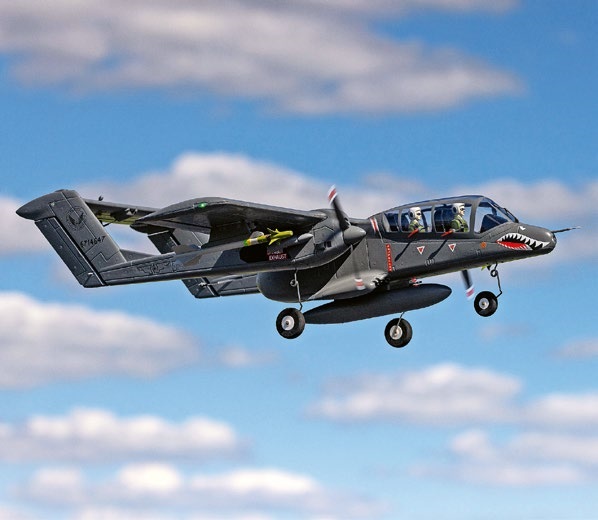
HORIZON HOBBY/LEMACO NEWS: MICRO OV-10 BRONCO 645 MM BY E-FLITE
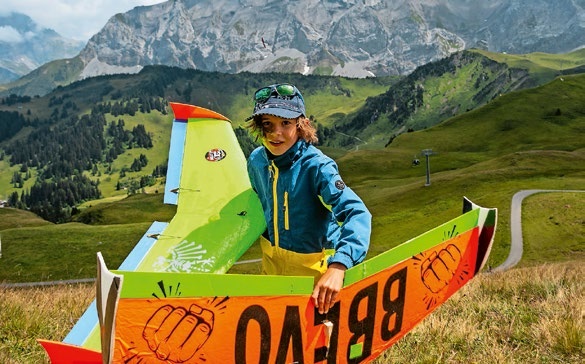
34th HAHNENMOOS ALPINE MODEL AIRPLANE CAMP
Res Dauwalder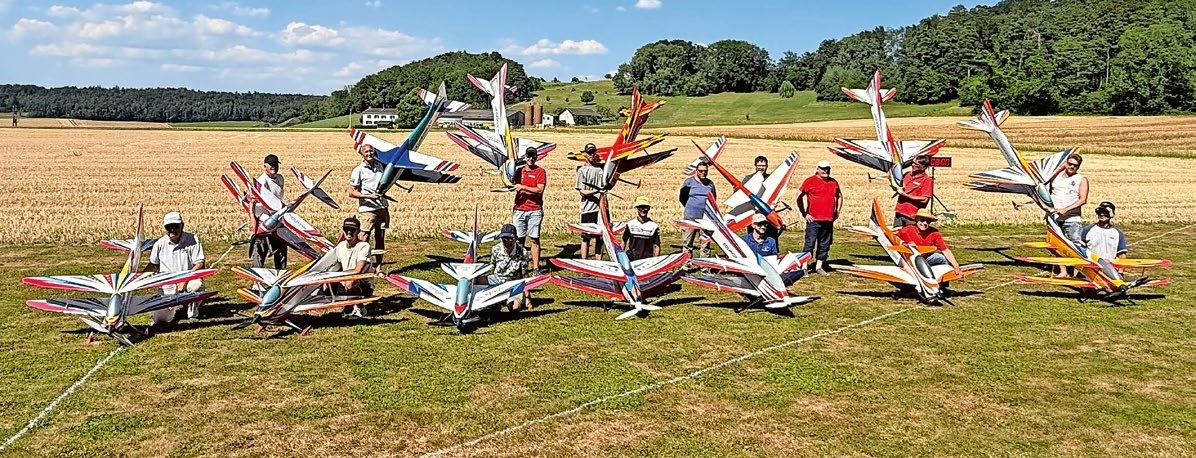
COUPE DES ALPES – OBSERVE AND LEARN
Rodito Nussbaumer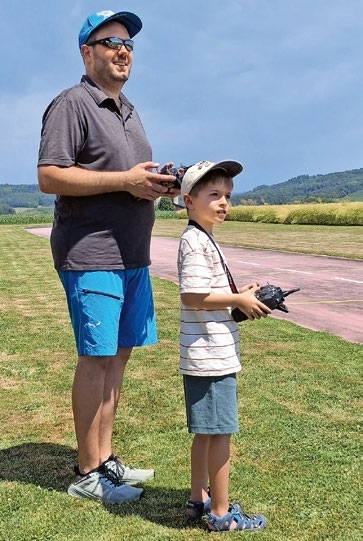
TRY-OUT DAY AT MFV WETTINGEN
 Urs Keller
NEWS FROM HEBU
 Julia Bucher
NOS REGION – A HUB FOR ELECTRIC AVIATION
Emil Giezendanner
MEMORIES
 Wolfgang Völler
70 YEARS OF THE NIDWALDEN MODEL AIRPLANE CLUB
Martin Barmettler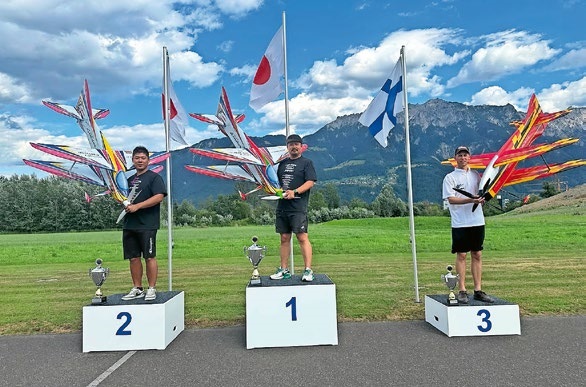
A SPECTACULAR F3A WORLD CUP IN THE PRINCIPALITY OF LIECHTENSTEIN
Emil Giezendanner
FROM 0 TO 100
Markus Nussbaumer