
Model Aircraft and Interference on the 2.4 GHz Band?
More and more often, model aircraft enthusiasts are calling for the designation of a dedicated band for model aircraft to avoid the overloaded and interfered-with 2.4-GHz band.
Let’s take a look at the 2.4-GHz band to see what’s out there that could interfere with our model flying—aside from the transmitters used by our fellow model aviators. The dual-channel occupancy among model aircraft enthusiasts that was common in the past is now a thing of the past. With frequency-hopping and spread-spectrum modulation, interference that might come from other model aircraft has been eliminated.
Wi-Fi networks that occupy $\frac{1}{4}$, $\frac{1}{2}$, or the entire band (depending on the maximum defined data rate) are present at very few airfields, which is a positive thing. At airfields very close to industrial areas, fully occupied Wi-Fi networks could cause interference, though we’re not supposed to fly over such areas anyway. The LBT behavior of our transmitters (listen to the channel before transmitting; if occupied, check the next channel) should not be affected by such networks, provided they are operated using legal means (without prohibited boosters).
So what else could interfere with our flight operations, and what signals can still be received at airfields?
Our own cell phones! Why is that?
Making calls on a cell phone does not interfere with our flight operations, since the frequencies used are well outside the 2.4 GHz range—unless we hold the cell phone so close to the transmitter that the transmitter’s internal functions are disrupted by the presence of radio frequency energy, e.g., radiation into the wiring inside the transmitter. Not all transmitters have a metal housing that shields against radio frequency, and cell phones transmit at up to 5 watts of power when reception is poor.
But what is crucial—and what many fellow model aviators are unaware of—is this:
The Wi-Fi on a cell phone that isn’t turned off periodically searches for an access point or router. This means that our cell phone’s Wi-Fi function is transmitting at the highest possible power across the entire 2.4 GHz band.
Here is a spectrum scan of a cell phone with Wi-Fi turned on but not connected to a network.
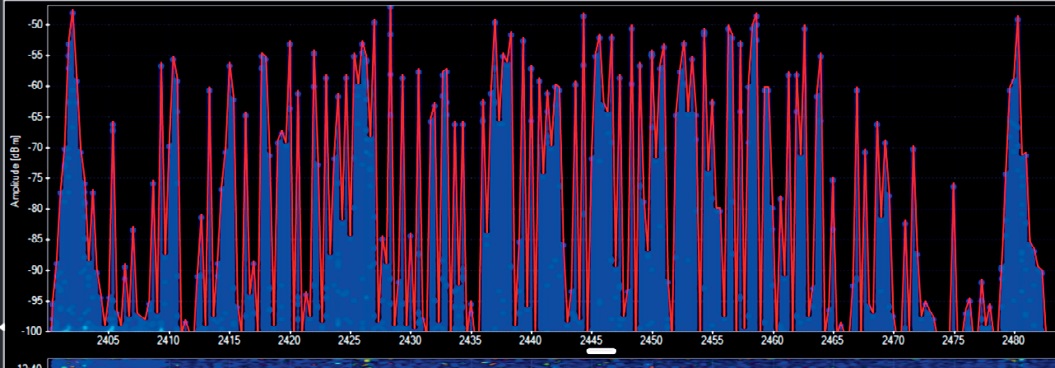
The entire band is occupied by periodic transmissions, which can prevent the remote control transmitter from sending data packets.
The transmitter stops transmitting on the channel it intends to use for control data for 2 milliseconds. If your own cell phone is in the immediate vicinity of the transmitter and is currently searching for Wi-Fi on that very channel, the transmitter will not transmit. If this happens repeatedly, the receiver may enter failsafe mode because it isn’t receiving any packets. To exit failsafe mode, it must resynchronize with the transmitter so that data transmission can resume, a process that can take several seconds.
Dear pilot, if you really can’t do without the cell phone in your pocket, at least turn off Wi-Fi and Bluetooth before you start flying your model airplane!
After all, it’s your own behavior that’s cluttering up the 2.4-GHz band at the model airfield with unnecessary signals!
Time and again, I see receiver antennas that are positioned completely incorrectly or are damaged, which can lead to a loss of reception. Here are a few explanatory notes:
2.4-GHz model aircraft receivers designed for maximum range (> 3 km) require two receiving antennas.
The 2.4-GHz electromagnetic radio waves (corresponding to a wavelength of 12.5 cm) propagate like light and occupy a specific position in free space, determined by the position of the transmitter antenna. Reception is best when the radio wave strikes the receiver antenna parallel to its axis. But what happens when our model airplane rotates around all axes? With only one antenna, there will be times when the receiving antenna is positioned exactly at the point of minimum signal strength, meaning the received signal becomes much weaker, leading to reception interference.
With a second antenna, which should be oriented 90 degrees rotated, this antenna receives a strong signal when the other antenna has almost no signal left. The receiver continuously checks which antenna provides the better signal, and that one is used to receive the control signals.
Under no circumstances should the front part of the antenna be bent, shortened, or otherwise modified; its dimensions are precisely tuned to the wavelength. It is important that both antennas be mounted 90° apart and not be obstructed—that is, shielded—by metal parts, carbon fiber, or metallized foil, as this would otherwise impair reception.
To ensure that all necessary measures have been correctly implemented, a range test is performed. The transmitter is switched to the appropriate mode so that the transmission power is significantly reduced. The model is carried away from the transmitter and moved in all directions, including vertically. As soon as reception is lost (the LED on the receiver turns orange or red) or the failsafe function is triggered, the received signal is too weak. If the distance to the transmitter is greater than the distance specified by the manufacturer (e.g., 50 m), this also ensures that reception is guaranteed at line-of-sight range (> 3 km) at normal transmission power. If reception is lost much earlier—perhaps even only in a specific orientation of the aircraft—the problem must be resolved by adjusting the antenna’s position in the model. →
Insufficient power supply to the receiver: Poor-quality batteries, faulty connectors, or faulty wiring can cause the voltage at the receiver to drop briefly during power spikes from, for example, servos, motors, etc. If the receiver has insufficient voltage, its proper functioning can no longer be guaranteed, which manifests as an interrupted radio connection.
If, despite checking the remote control system and taking corrective measures, the problem persists, you can seek assistance from the SMV through its radio and electronics experts.


News from HEBU

TEAM MANAGER "THIS" BOSSHARD
 Rodito Nussbaumer

YOU KNOW WHAT I MEAN? 125 YEARS OF THE SWISS AERO CLUB
 Emil Giezendanner
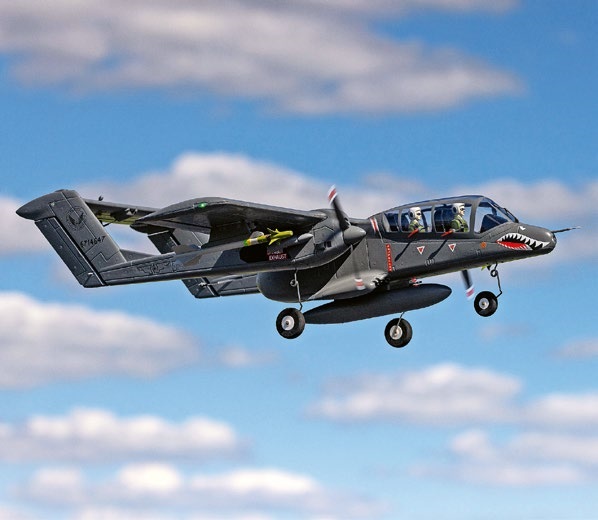
HORIZON HOBBY/LEMACO NEWS: MICRO OV-10 BRONCO 645 MM BY E-FLITE

PRIDE AND GOOD IDEAS
 Markus Nussbaumer

34th HAHNENMOOS ALPINE MODEL AIRPLANE CAMP
Res Dauwalder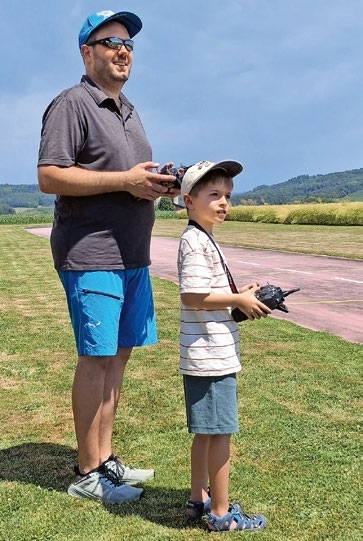
TRY-OUT DAY AT MFV WETTINGEN
Urs Keller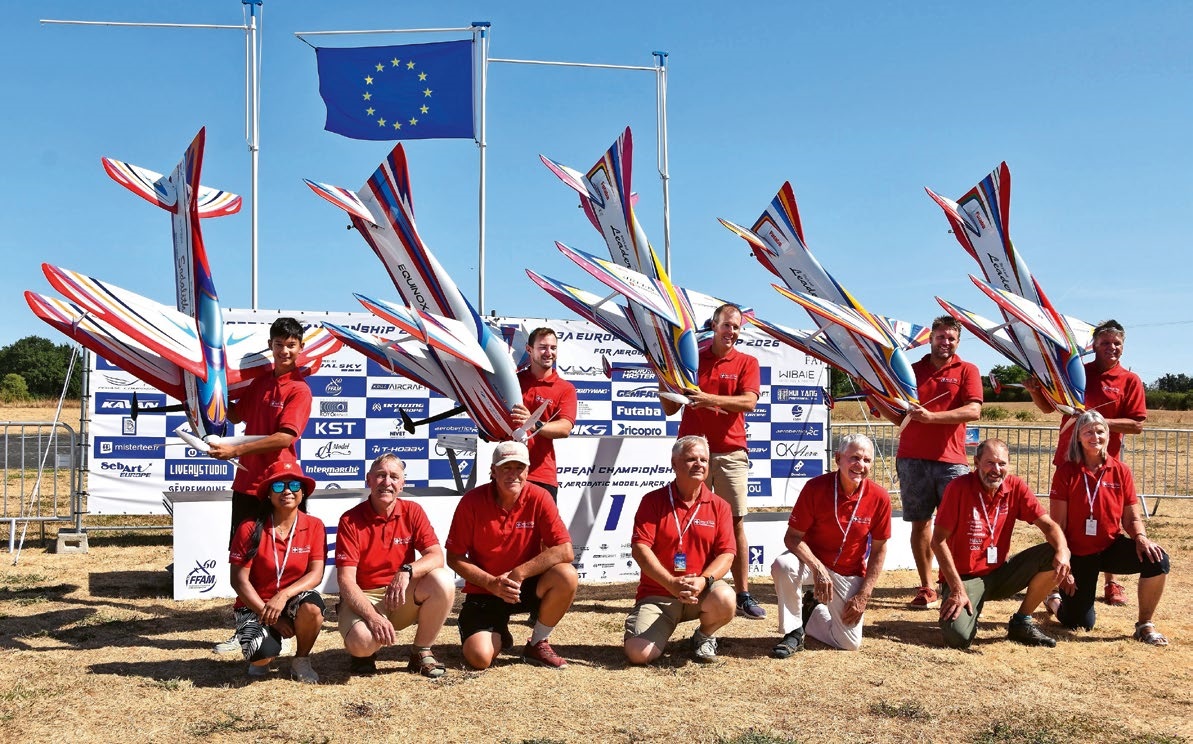
F3A EUROPEAN CHAMPIONSHIPS IN ST-MACAIRE, FRANCE
 Matthias Bosshard
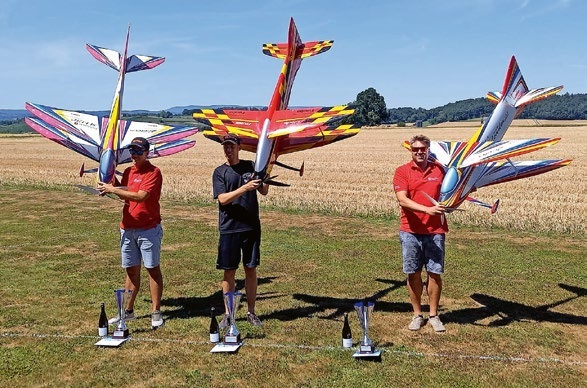
52. 2026 ALPS CUP
Emil Giezendanner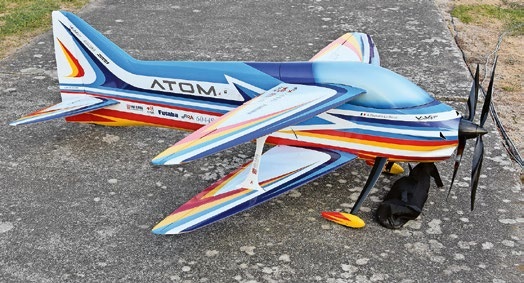
ATOM, THE NEW DOUBLE-DECKER FROM CPLR
Matthias Bosshard
SUMMER FUN 2026 AT MG USTER
Martin Wunderli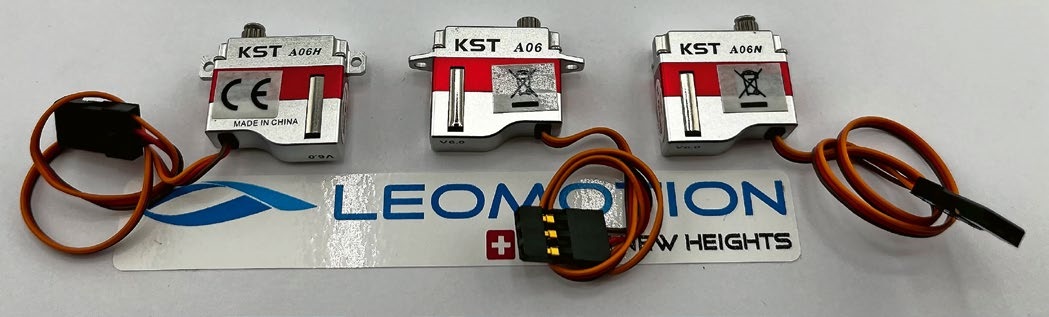
What's New at Leomotion.com
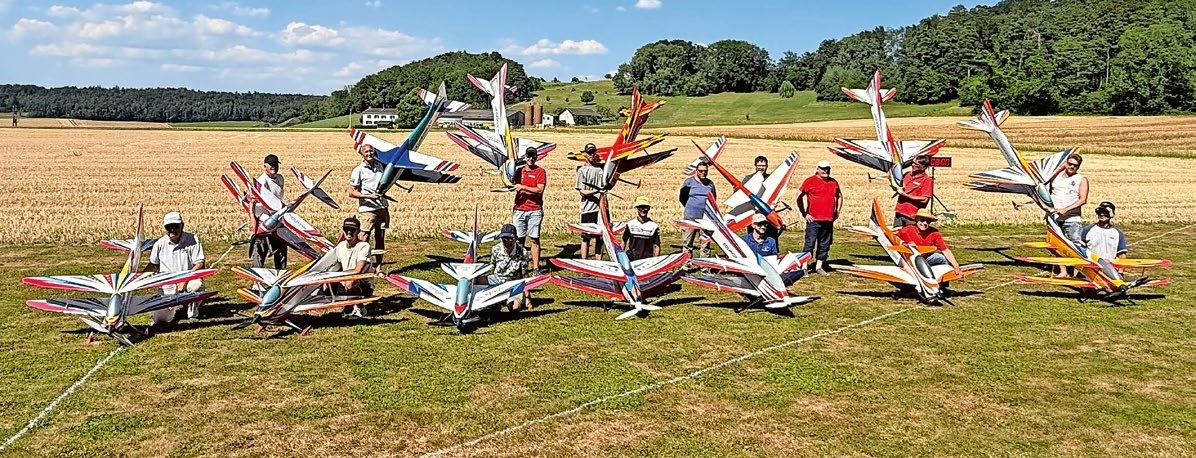
COUPE DES ALPES – OBSERVE AND LEARN
Rodito Nussbaumer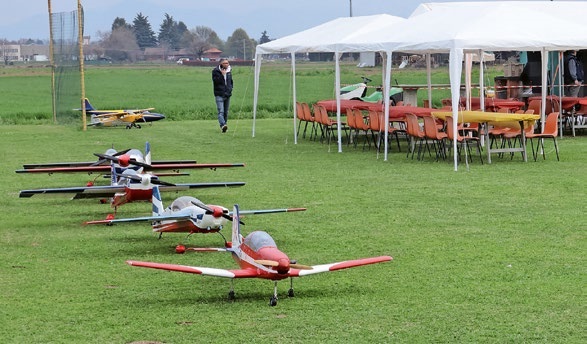
TWIN TOWN PARTNERSHIP
Wolfgang Voeller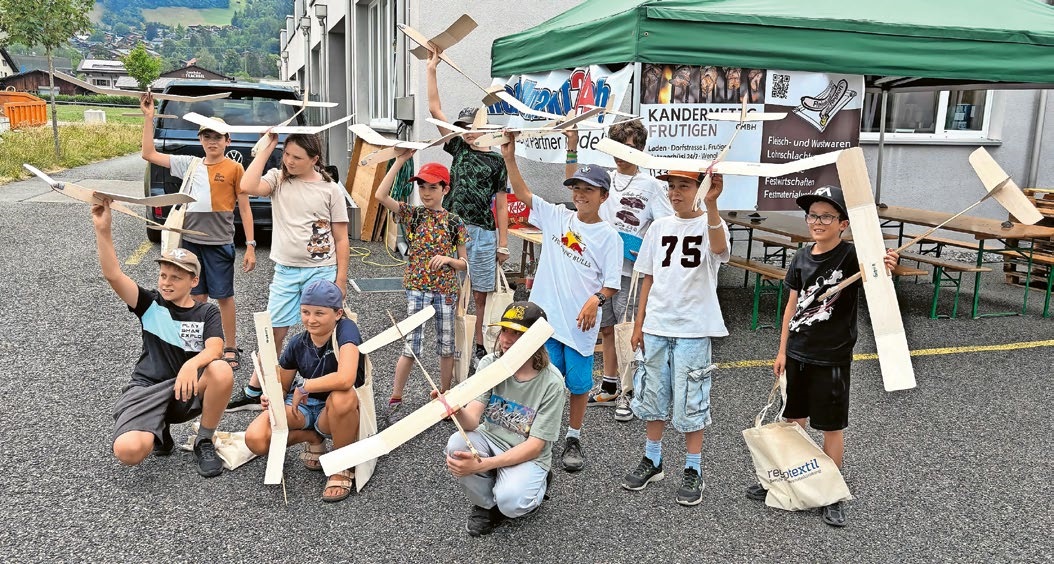
BY YOUTH, FOR YOUTH
Lorena Betschen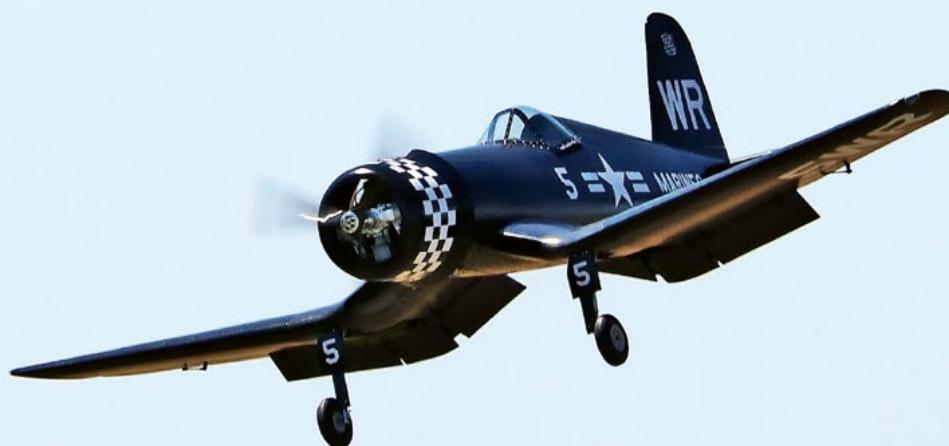
CORSAIR F4U – A WARBIRD WITH A MEMORABLE LOOK
Jürgen Rosenberger, Jürgen Prinz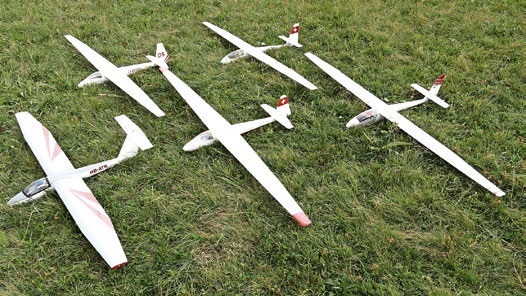
SMALL, MODEL-LIKE SAILBOATS
Res Dauwalder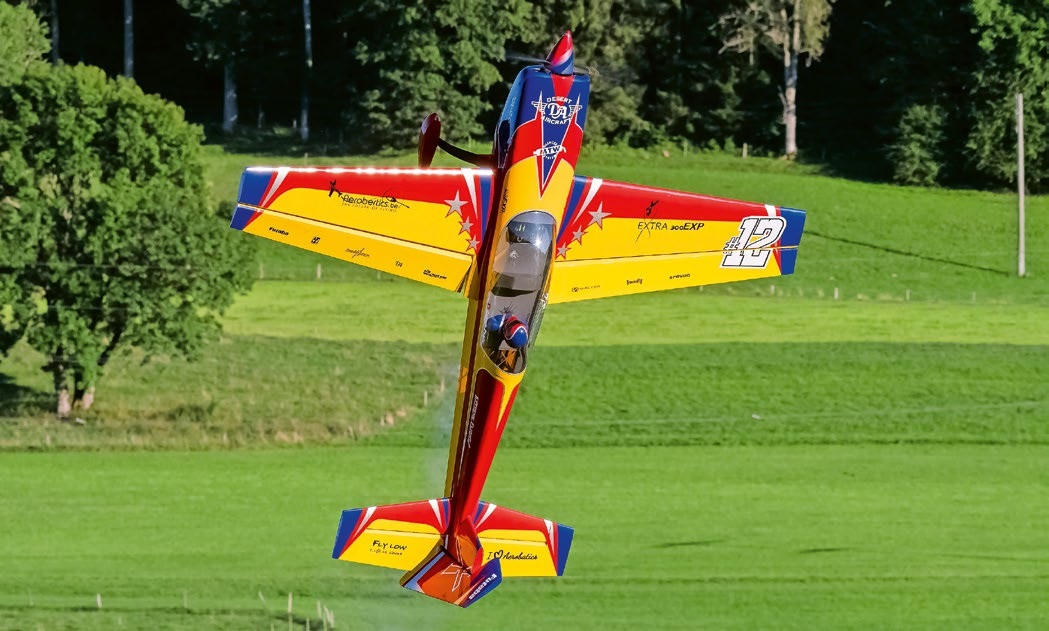
WELCOME, NEW MEMBER!
Andrea Bolliger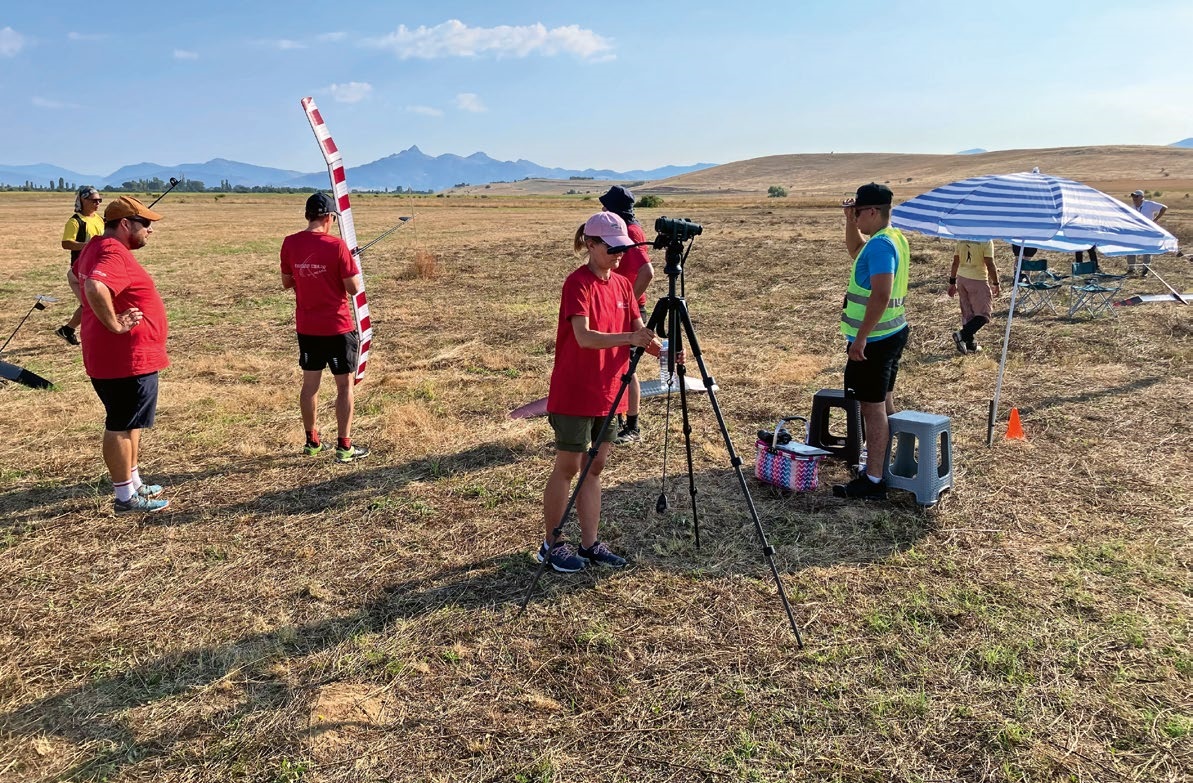
FREE FLIGHT IN THE MIDDLE OF SUMMER
Urs Muntwyler
EURO CONTEST GLIDER ACRO TOUR AUSTRIA 2026
INSIGHTS INTO THE HISTORY OF SEAPLANES
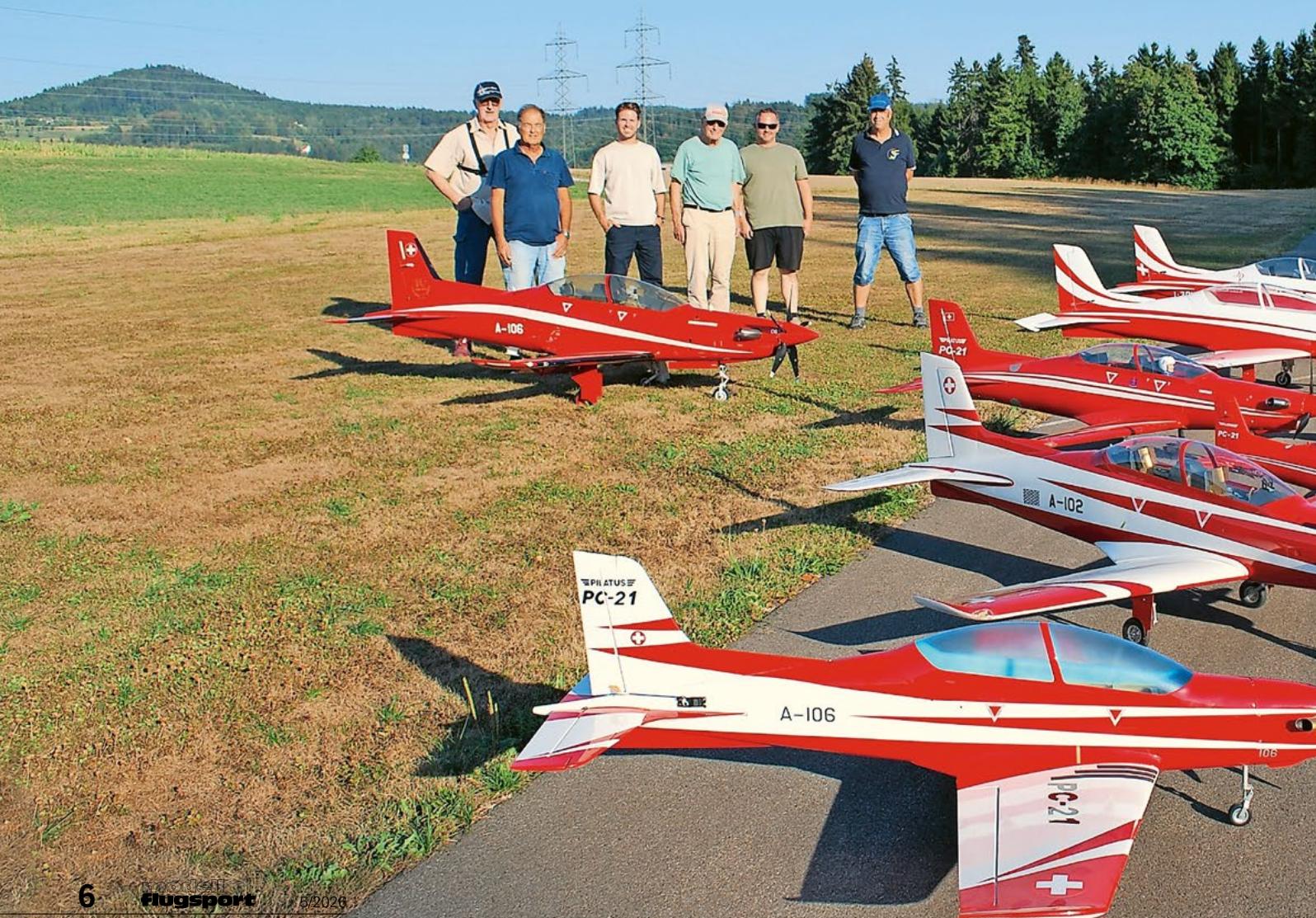
THE PC-21 STORY
Emil Giezendanner
NEWS FROM HEBU
 Julia Bucher
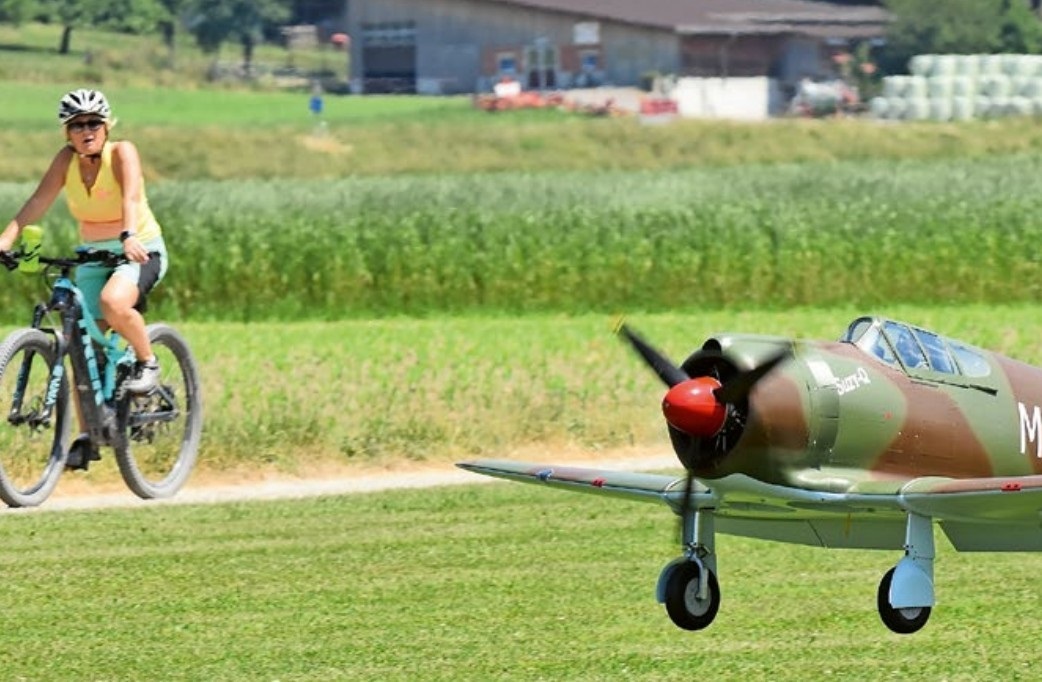
FROM 0 TO 100
Markus Nussbaumer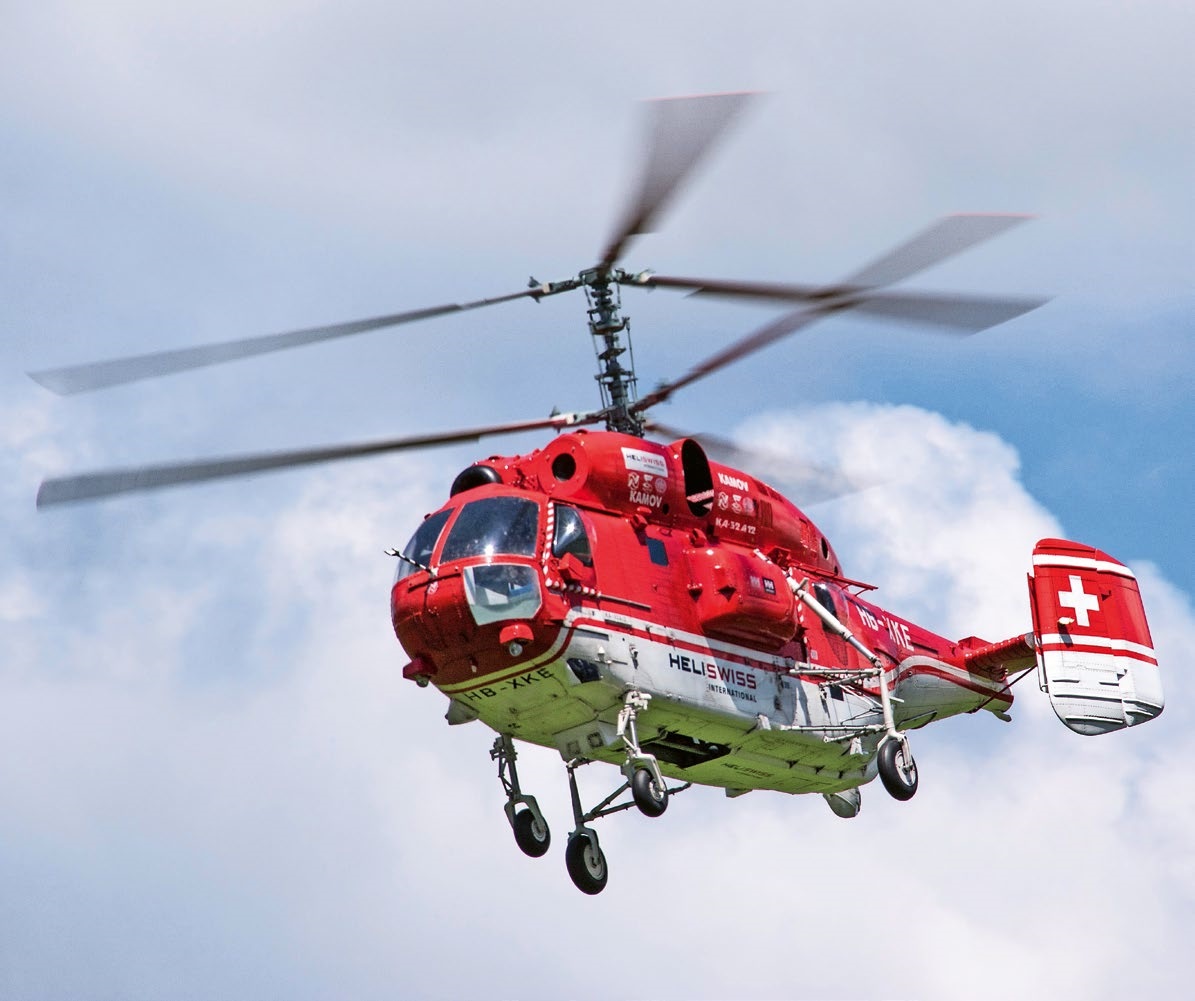
MEMORIES
Wolfgang Völler
NOS REGION – A HUB FOR ELECTRIC AVIATION
Emil Giezendanner
DO YOU KNOW WHAT I MEAN IN THE LAND OF SMILES?
Emil Giezendanner
A SPECTACULAR F3A WORLD CUP IN THE PRINCIPALITY OF LIECHTENSTEIN
Emil Giezendanner