
Review: Easy Navigation Through the Menus on the Futaba T-8FG Remote Control
The brand-new remote control is sitting on the table in front of me. It's light and rather small. The design is modern and elegant. It's made of black plastic with a matte-finish metal trim around the control sticks.
Since I’ve had a good experience over a long period of time with my old Futaba FF-9—which I converted to a 2.4-GHz Fasst system—and since almost all models are now equipped with the new 2.4-GHz receivers, I no longer need the ability to transmit using both systems. The T-8FG is a pure Fasst 2.4-GHz transmitter. It’s the first Futaba transmitter equipped with a sensor-touch system for programming, similar to what’s found on an iPod or similar devices. I was thrilled when I held my own transmitter in my hands for the first time. Eager to try out the “newfangled”—or state-of-the-art—controls, I tried to access the menu. Since I’m familiar with Futaba, that shouldn’t have been a problem. Oh, what a huge disappointment it was when even I, an old hand at this, had to consult the user manual. But to the transmitter’s credit, it worked very well afterward. Navigating through the menus and submenus is very smooth. It takes a little time and practice before you
can fully explore its user-friendliness—or you could just read the manual very carefully from cover to cover—haha!
Here, I’d just like to briefly cover the most important points. There are eight proportional channels and two on/off channels available. Power is supplied by a six-cell (7.2 V) NiMH battery with a capacity of 1.7 Ah. This promises approximately six hours of flying time with fully charged batteries. It is also possible to replace the transmitter battery with LiPo batteries.
The transmitter set includes an R-6008HS receiver. This receiver has two different operating modes. In normal mode, it controls analog and digital servos just like any other receiver. In HS mode, which features an even shorter response time, channels 1 through 6 must be equipped exclusively with digital servos. Analog servos cannot keep up with the response times of this new mode.
As mentioned earlier, the new control unit really catches the eye. The software is very comprehensive. All switches, rotary encoders, and joysticks can be freely assigned; in theory, it’s even possible to assign channels to the digital trim levers. Communication with the pilot takes place via a 128×64
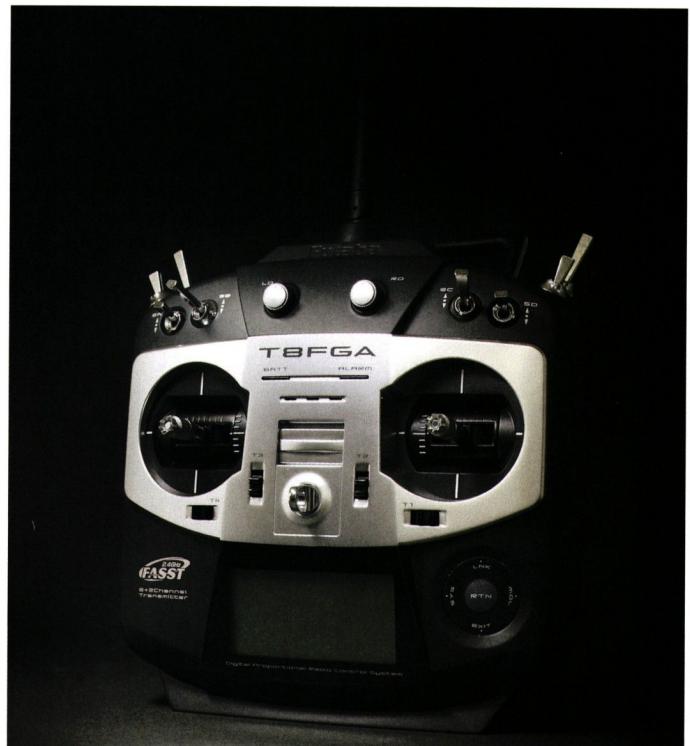
Backlit dot-matrix LCD display. The backlight duration can be adjusted as desired, and the display remains clearly legible even in direct sunlight. The teacher-student function can be used with various other Futaba transmitters. Many different model types are available. When you begin programming a new model, the first step is to select the model type. If I decide to change the model type during programming, all existing entries will be deleted.
For example: I select a motor-powered model; then I can specify how many servos will control the ailerons—or perhaps both the ailerons and flaps—and next I select the tail unit type. Once these settings are entered, most of the work is already done. Next, the rotation directions and travel limits are set. A whole range of mixers is now available; they just need to be activated. Of course, there are also several freely selectable mixers.
For helicopters, there are six swashplate mixers to choose from. A virtual swashplate ring is also available. Depending on the model and flying style, this can be an advantage. The programming of flight phases is very well designed. The detent on the pitch stick can be removed by replacing the brake plate on the control stick plate. The options for helicopter pilots are also very extensive, so I can’t imagine anyone finding anything missing here. The T8 GF offers 20 model memories, which can be expanded to over 3,800 models with a 2GB SD card. It’s also possible to perform software updates directly via the SD card. The software needed to format the card can be found on the Robbe website.
In operating mode, a great deal of information is visible on the display. There is an option to configure the display so that only the stopwatches are shown. This makes it possible to, during the flight, a
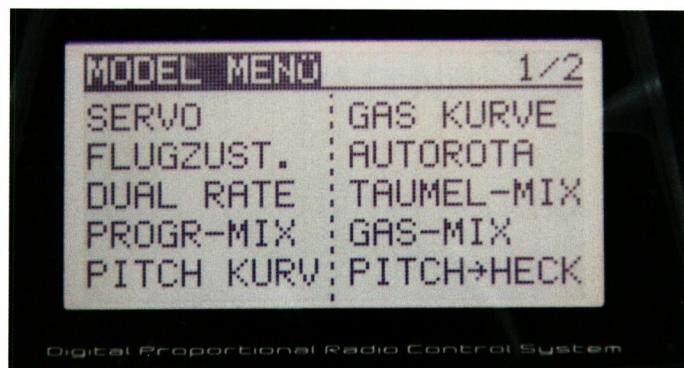
to take a quick look at the display to see what time it is. Of course, there’s also a “power-down mode” for the range test. I can’t say much about flying, except that the transmitter is very well balanced, fits great in the hand, all the controls are easy to reach, and it just works—what more could you want!
Even without poring over the instruction manual, you can get by just fine with a little experience. Every now and then, I’d have an “aha” moment while reading through it when I got stuck. The English manual is a bit more detailed.
Unfortunately, this little gem has already fallen off my workbench. One switch broke off. But I won’t replace it—there are plenty of them anyway. Other than that, it survived the fall just fine. I think it offers great value for the price. I highly recommend this transmitter. Have fun programming it.
*René Stoll*
EURO CONTEST GLIDER ACRO TOUR AUSTRIA 2026
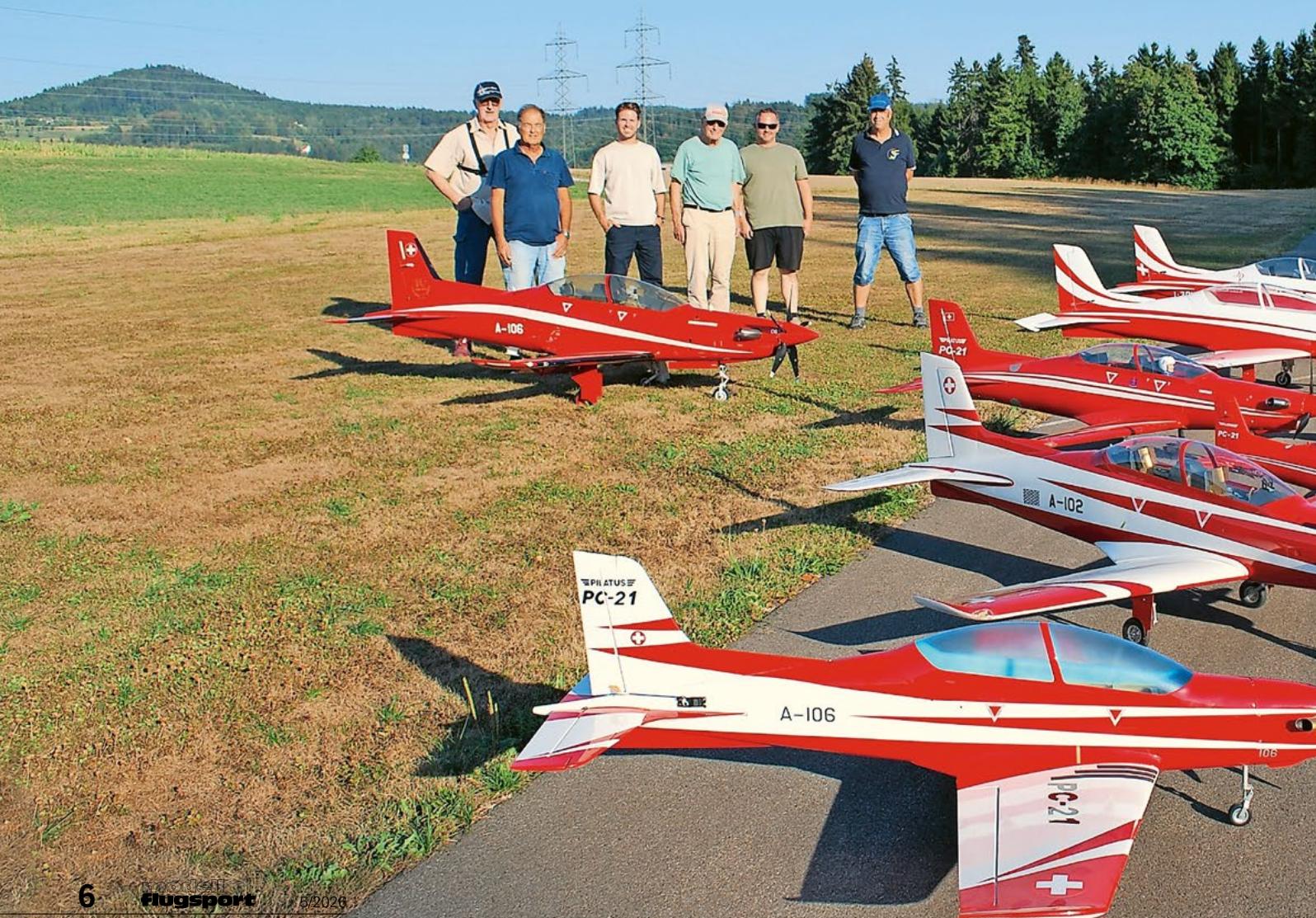
THE PC-21 STORY
 Emil Giezendanner
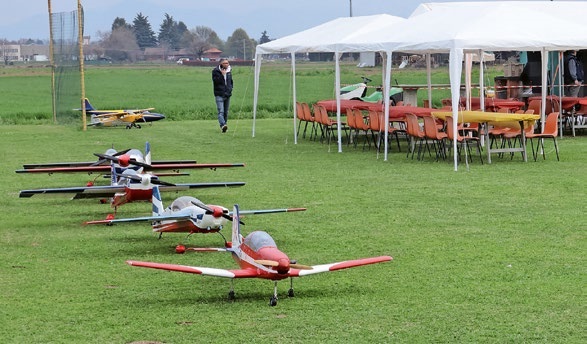
TWIN TOWN PARTNERSHIP
 Wolfgang Voeller
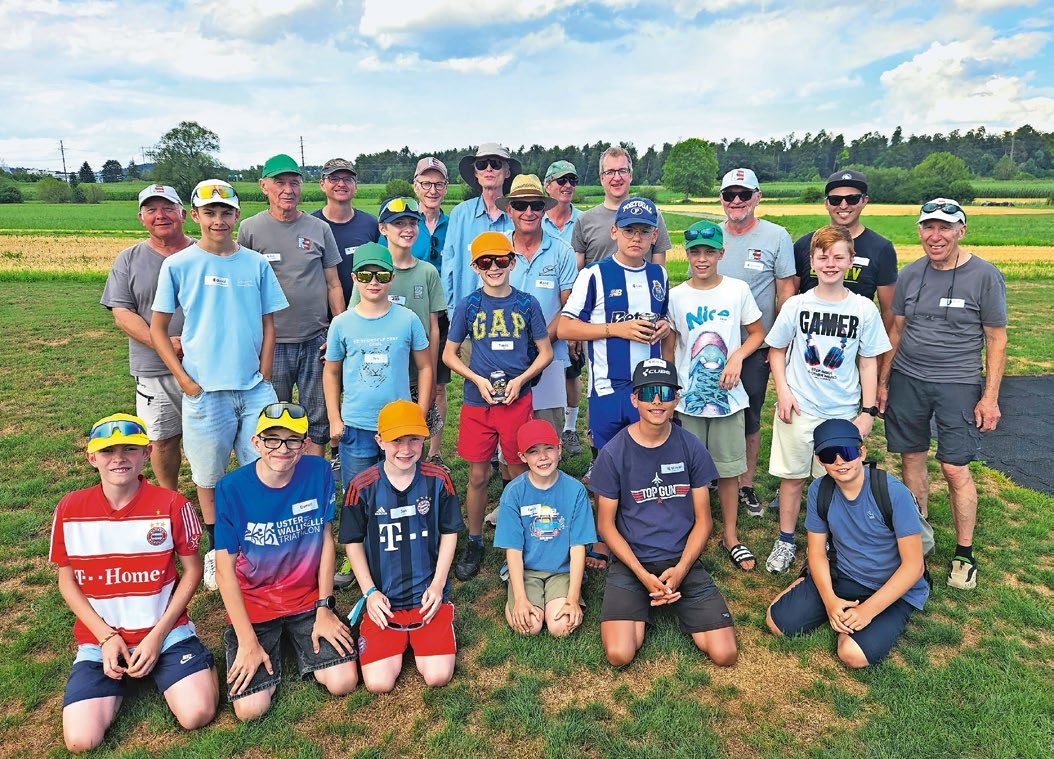
SUMMER FUN 2026 AT MG USTER
Martin Wunderli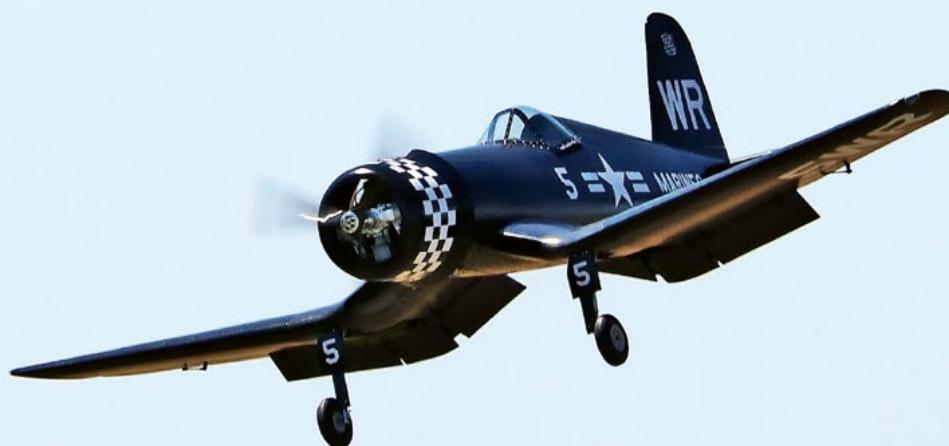
CORSAIR F4U – A WARBIRD WITH A MEMORABLE LOOK
Jürgen Rosenberger, Jürgen Prinz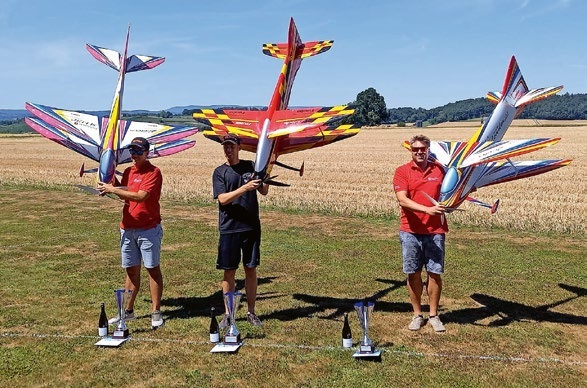
52. 2026 ALPS CUP
Emil Giezendanner
YOU KNOW WHAT I MEAN? 125 YEARS OF THE SWISS AERO CLUB
Emil Giezendanner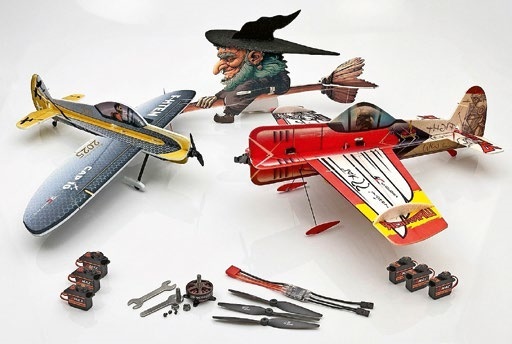
News from HEBU
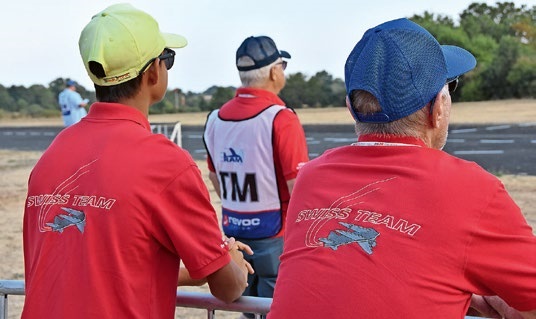
TEAM MANAGER "THIS" BOSSHARD
Rodito Nussbaumer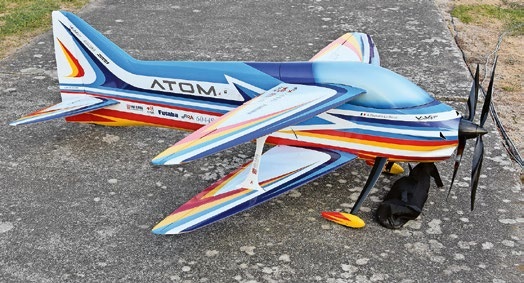
ATOM, THE NEW DOUBLE-DECKER FROM CPLR
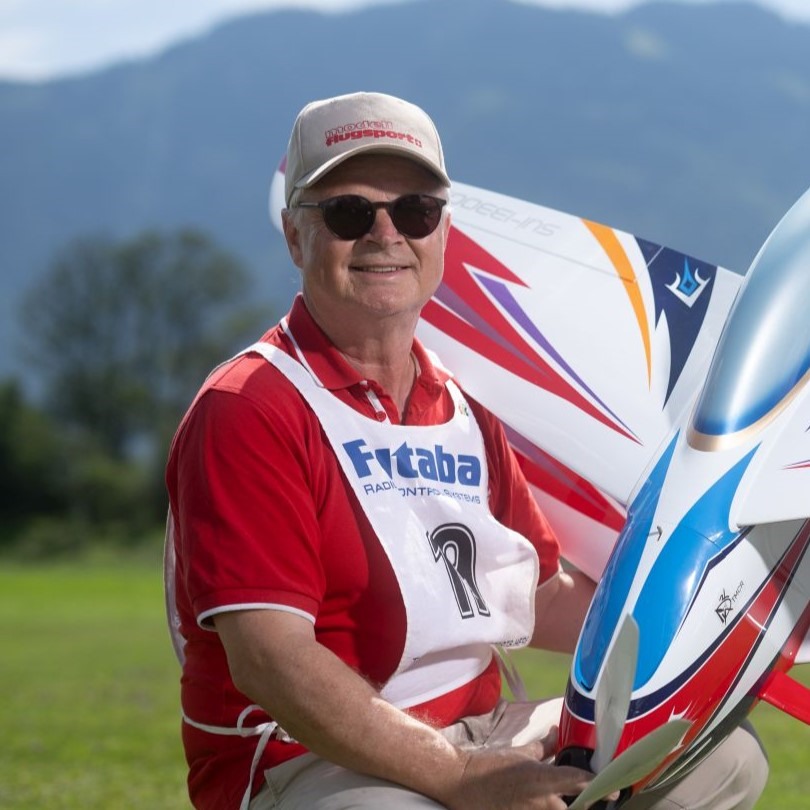 Matthias Bosshard
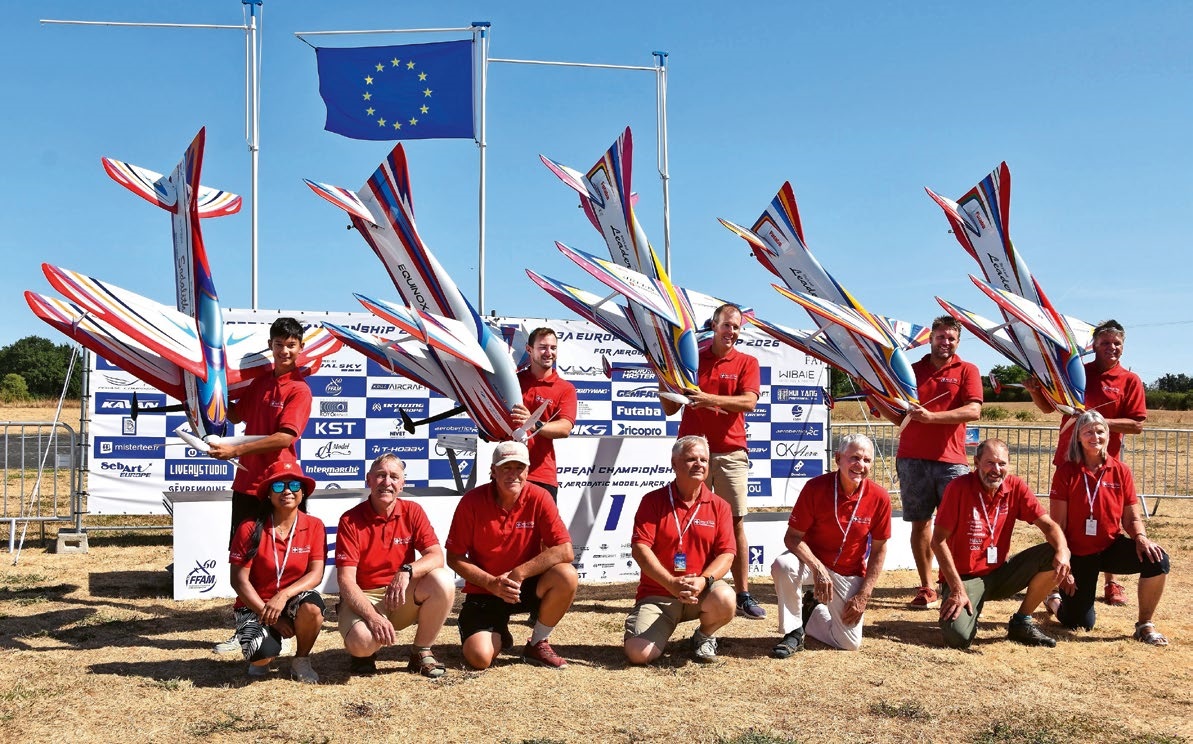
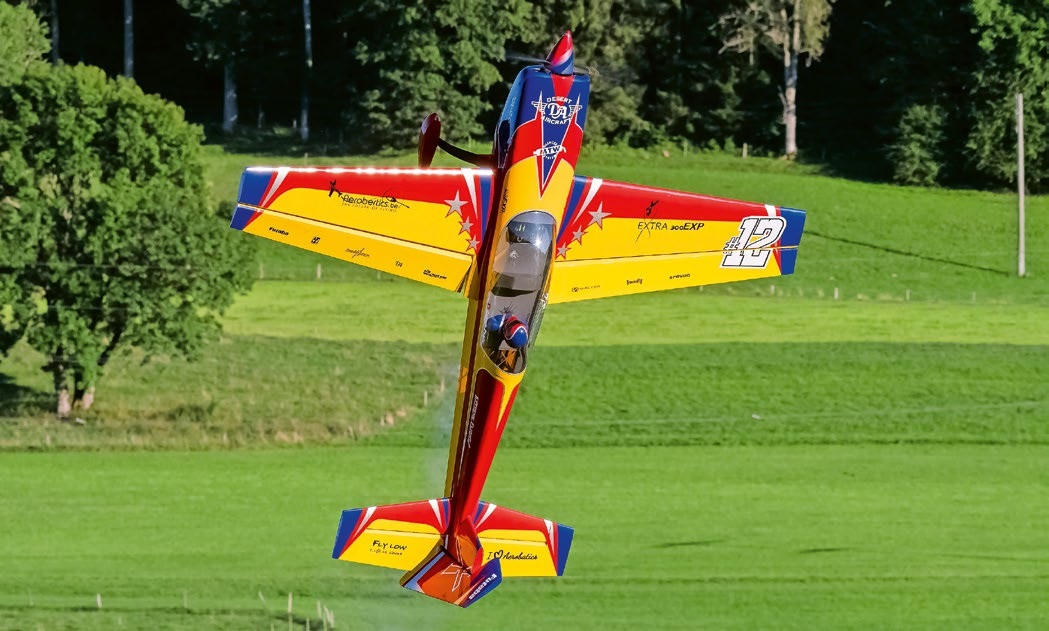
F3A EUROPEAN CHAMPIONSHIPS IN ST-MACAIRE, FRANCE
Matthias Bosshard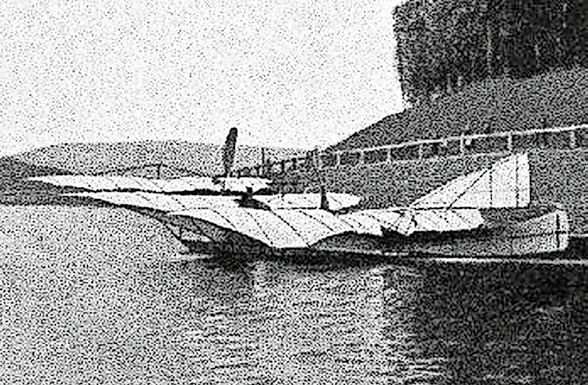
INSIGHTS INTO THE HISTORY OF SEAPLANES
WELCOME, NEW MEMBER!
Andrea Bolliger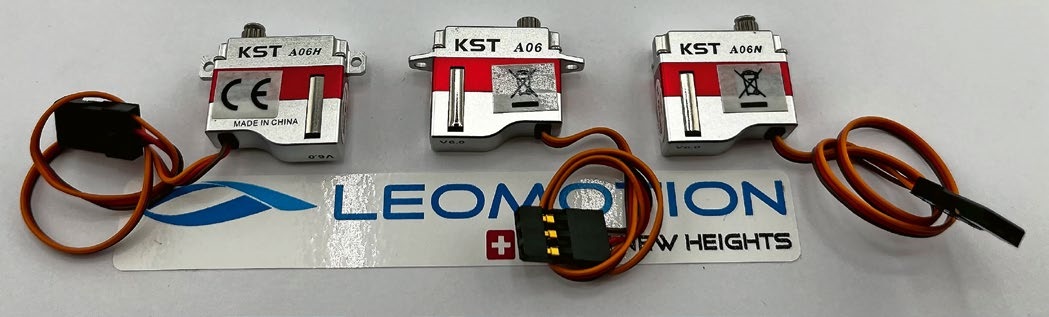
What's New at Leomotion.com
PRIDE AND GOOD IDEAS
 Markus Nussbaumer
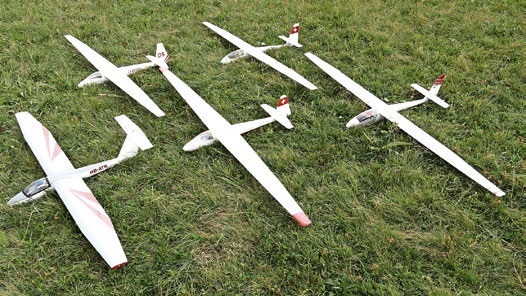
SMALL, MODEL-LIKE SAILBOATS
Res Dauwalder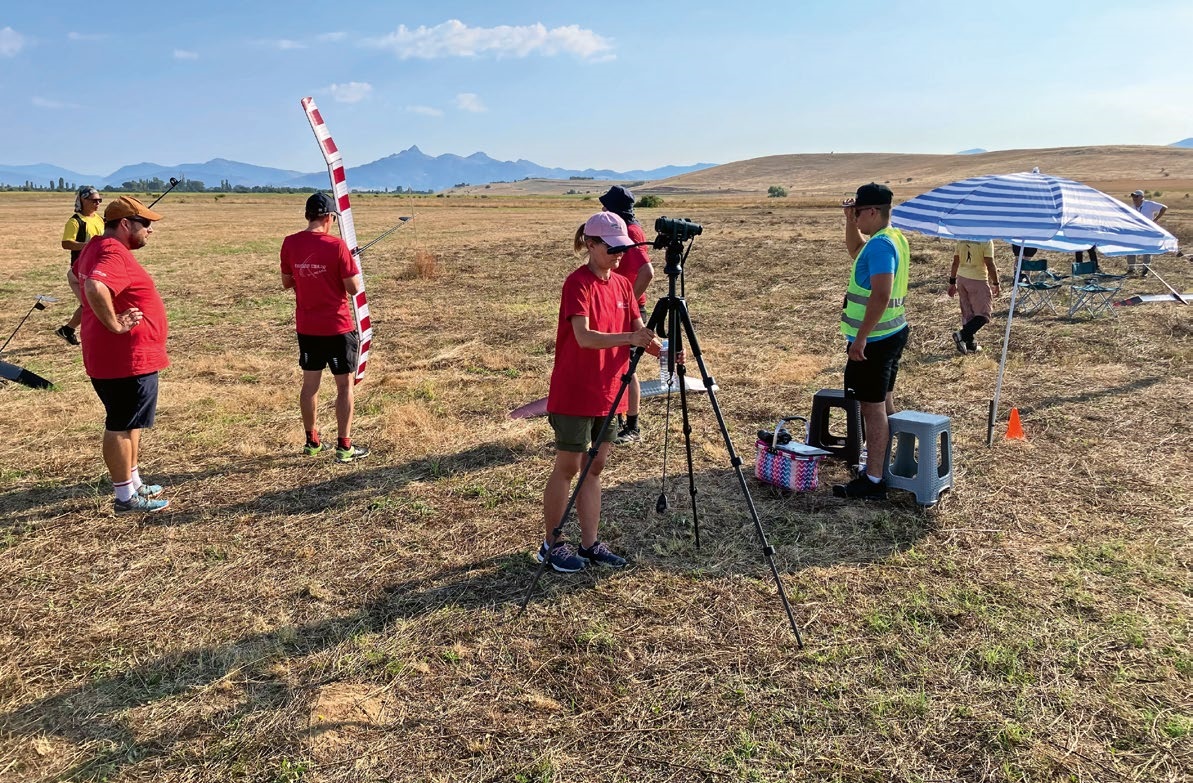
FREE FLIGHT IN THE MIDDLE OF SUMMER
Urs Muntwyler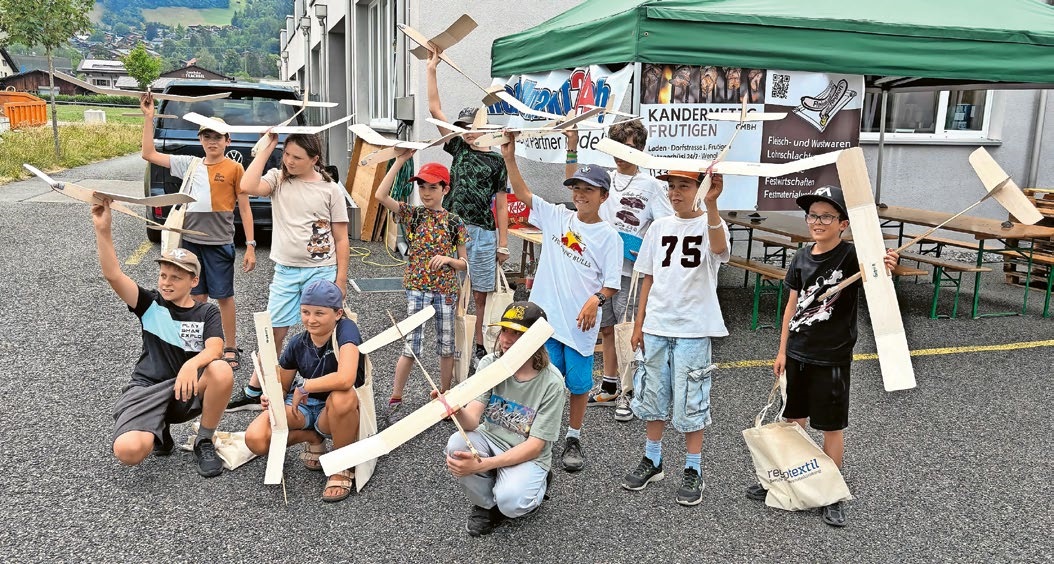
BY YOUTH, FOR YOUTH
Lorena Betschen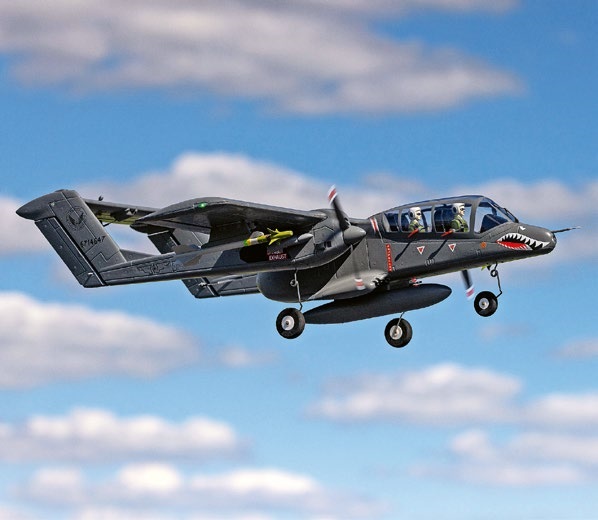
HORIZON HOBBY/LEMACO NEWS: MICRO OV-10 BRONCO 645 MM BY E-FLITE
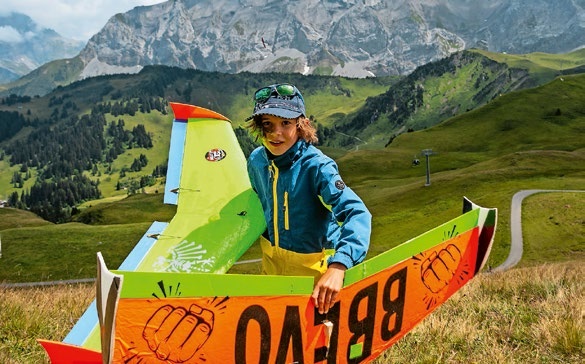
34th HAHNENMOOS ALPINE MODEL AIRPLANE CAMP
Res Dauwalder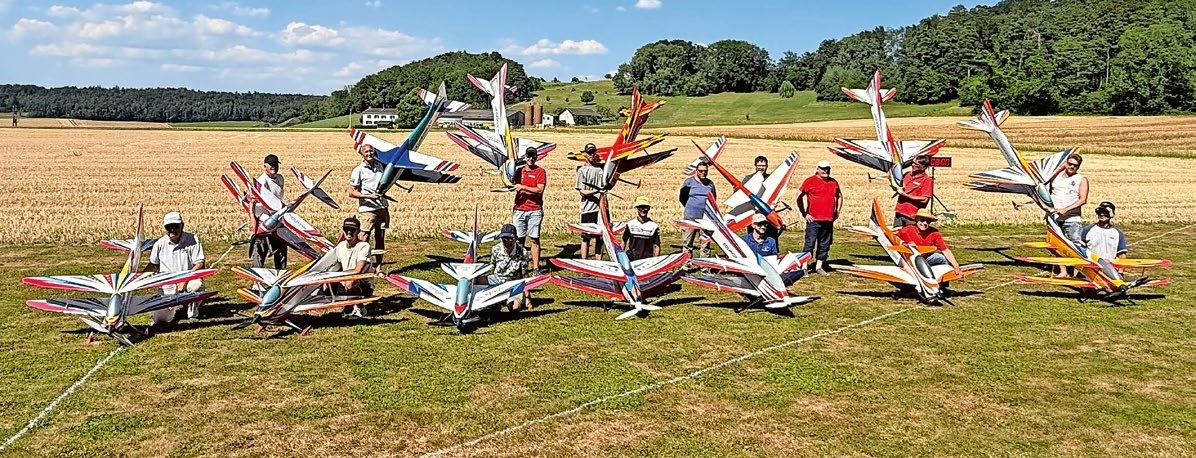
COUPE DES ALPES – OBSERVE AND LEARN
Rodito Nussbaumer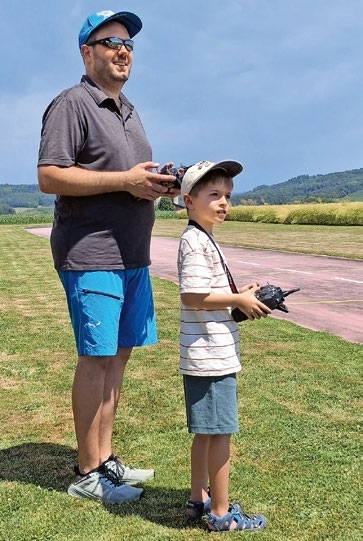
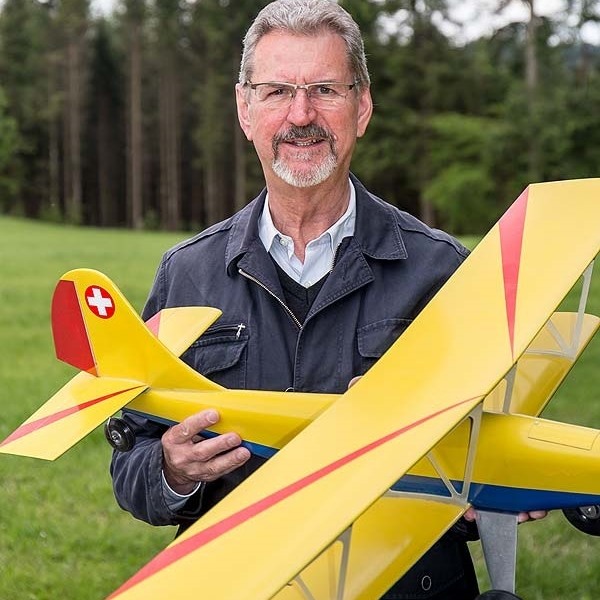
TRY-OUT DAY AT MFV WETTINGEN
 Urs Keller
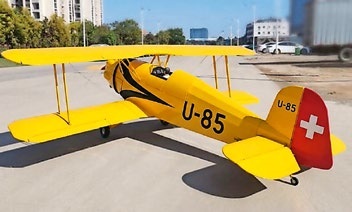
NEWS FROM HEBU
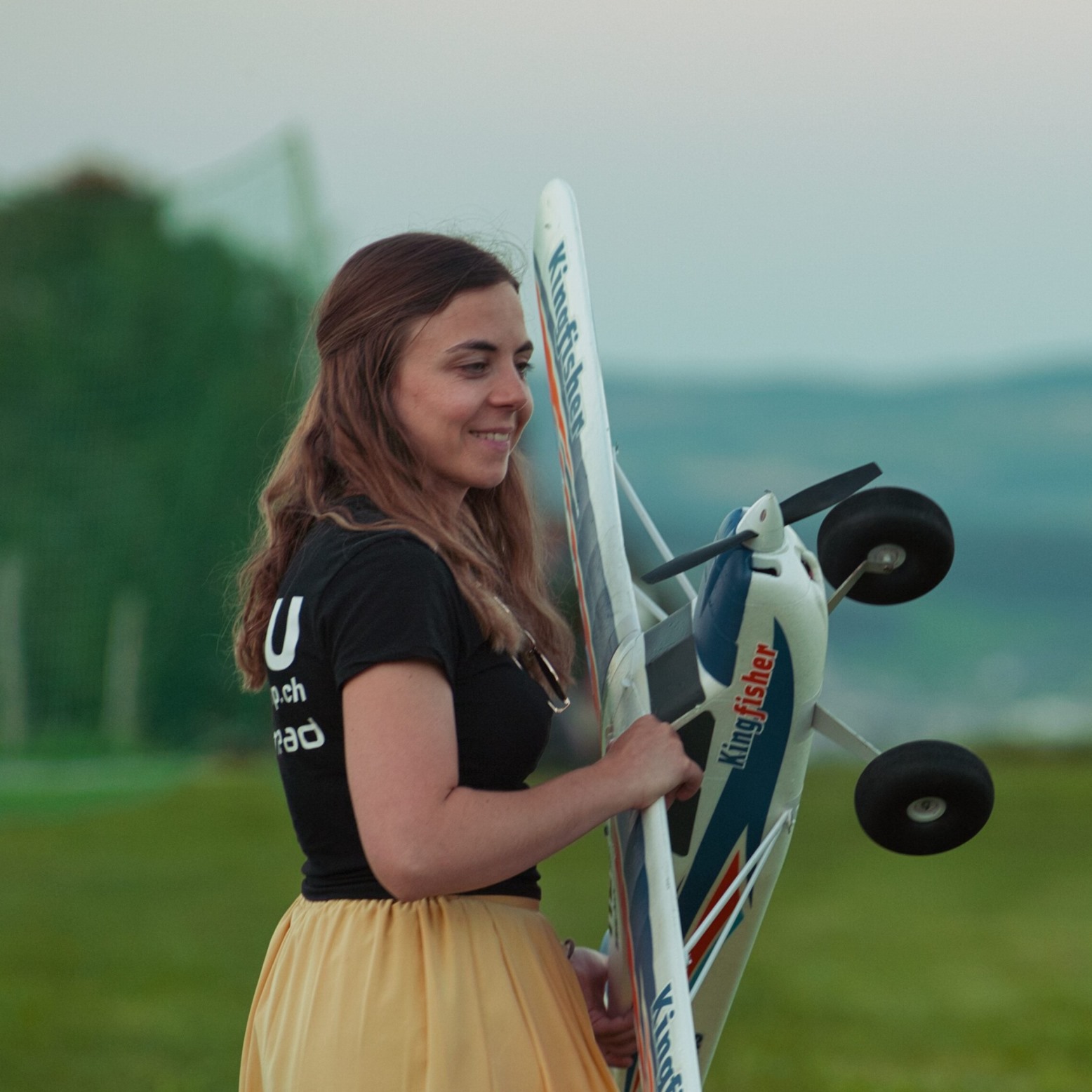 Julia Bucher
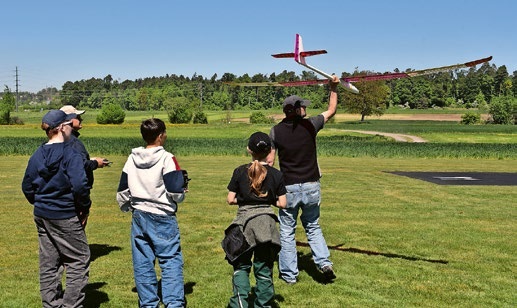
NOS REGION – A HUB FOR ELECTRIC AVIATION
Emil Giezendanner
MEMORIES
 Wolfgang Völler
70 YEARS OF THE NIDWALDEN MODEL AIRPLANE CLUB
Martin Barmettler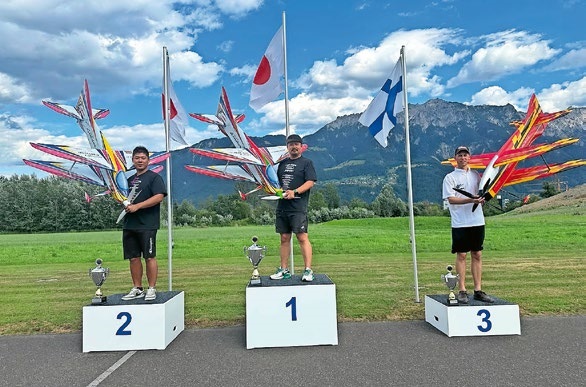
A SPECTACULAR F3A WORLD CUP IN THE PRINCIPALITY OF LIECHTENSTEIN
Emil Giezendanner
FROM 0 TO 100
Markus Nussbaumer